
SpreadsheetWeb blog
Practical thinking for spreadsheet-powered teams
Deep guides on Excel, Google Sheets, web applications, product workflows, and the quiet technical traps worth knowing about.
1319 articles
What's New in SpreadsheetWeb - October 2026
Start with a complete app design, use Excel's new in-cell arrays in SpreadsheetWeb, and shape how public apps appear in search and social previews.
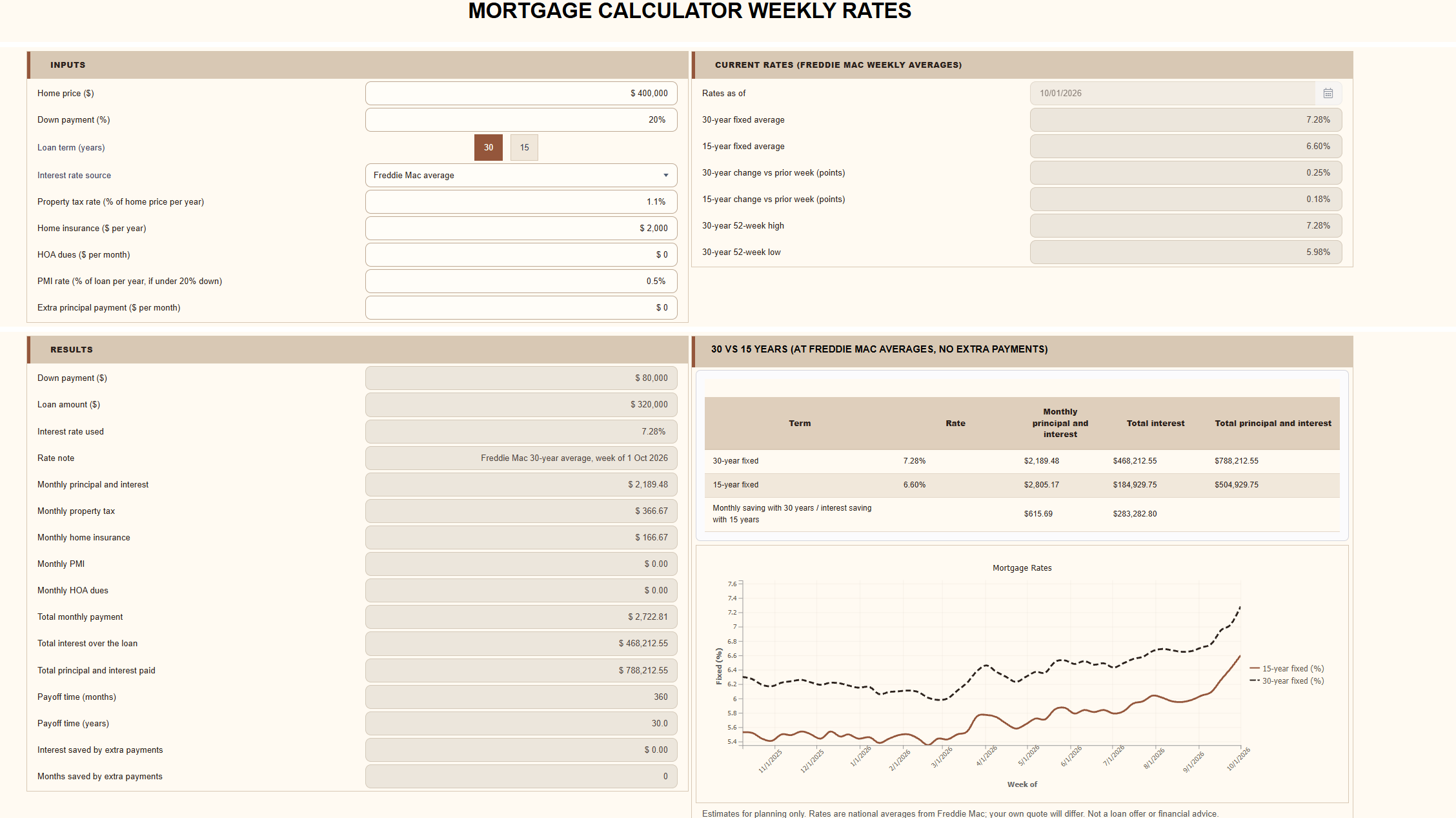
A Calculator That Updates Itself
The dangerous problem is the quiet one: a calculator that runs cleanly, throws no error, and returns an answer built on a number that stopped being true three months ago.
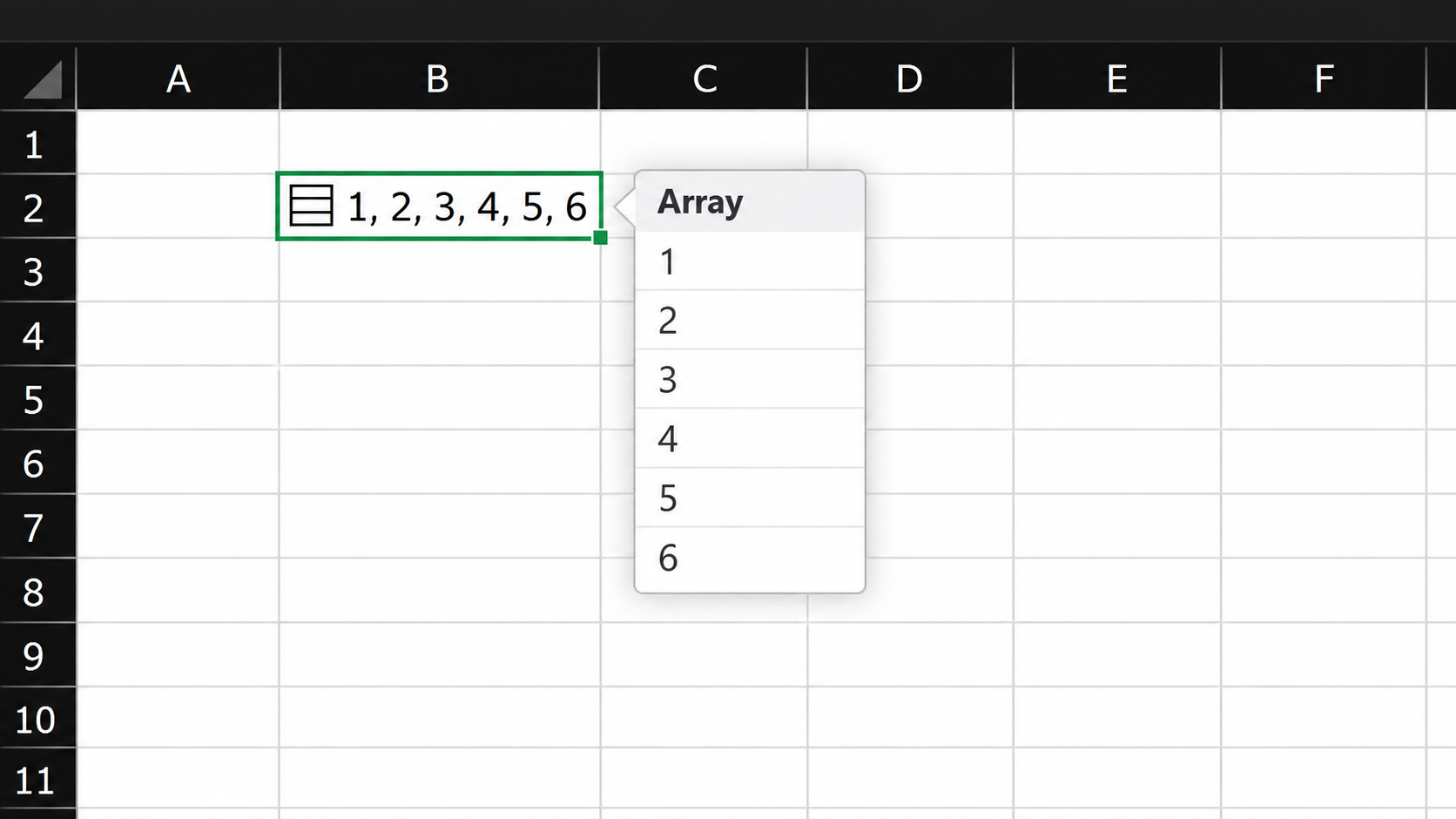
Excel Just Changed Its Oldest Rule: One Cell Can Now Hold Many Values
We tested Excel's new in-cell arrays with tables as large as 322,301 rows, measuring storage, recalculation, memory, compatibility, and practical editing limitations.
What's New in SpreadsheetWeb - September 2026
The September 2026 release introduces a more focused Designer, keyboard-friendly control creation, richer application styling, and automatic updates for applications built from Google Sheets.

Automatically Populate SpreadsheetWeb Inputs from a PDF Using JavaScript
Build a reusable PDF import interface that extracts customer data in the browser and maps it to SpreadsheetWeb Textbox controls.
What's New in SpreadsheetWeb - August 2026
The August 2026 release adds more control over application availability, improves collaboration in application chat, and helps teams update workbooks with confidence.
Introducing Google Sheets Support: A Source-Aware Calculation Engine
SpreadsheetWeb now evaluates Google Sheets with source-aware rules, preserving the calculation behavior of the original spreadsheet.
What's New in SpreadsheetWeb - July 2026
Explore SpreadsheetWeb’s July 2026 release, featuring direct Google Sheets integration, new account security options, and public record links.
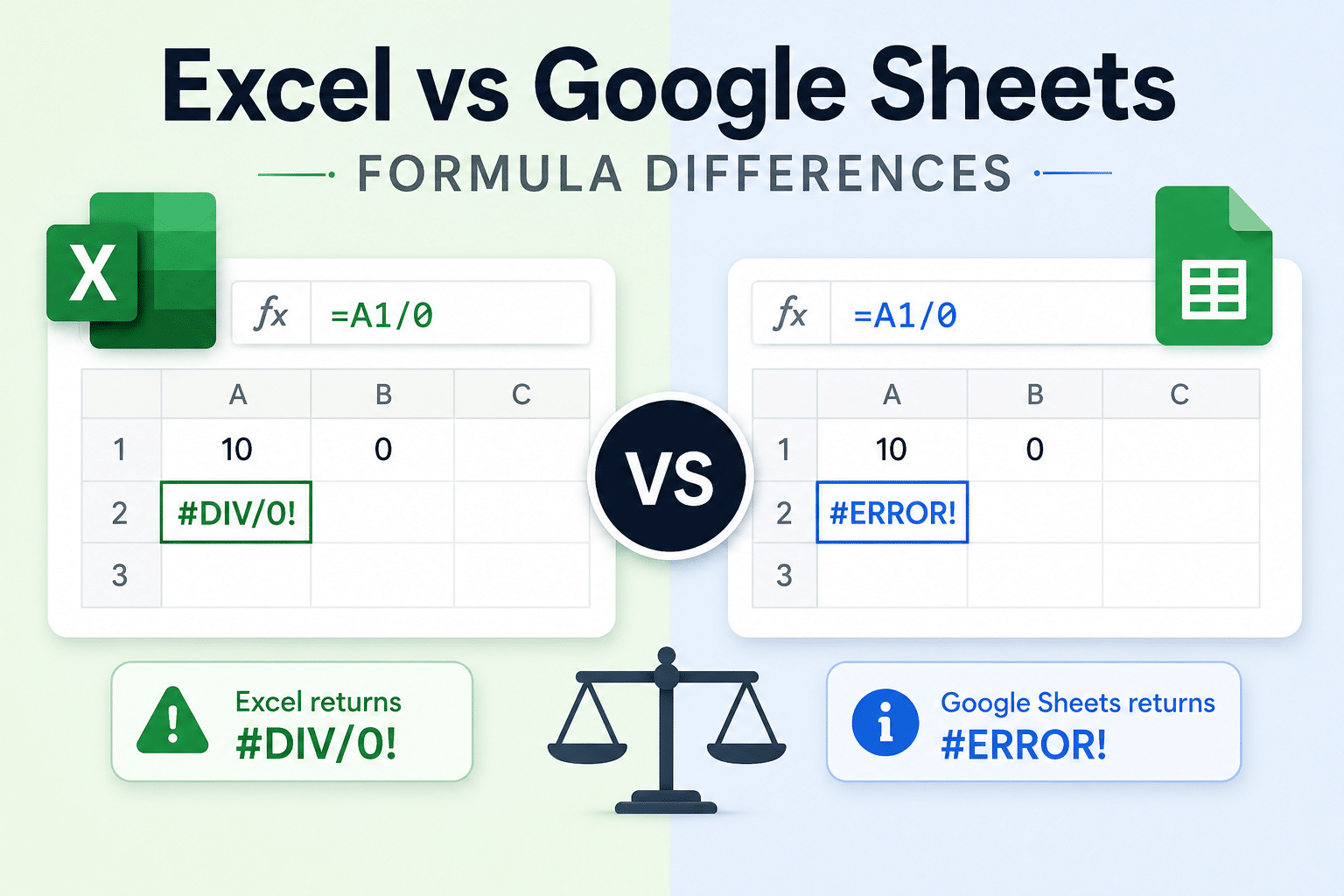
Excel vs. Google Sheets: The Complete Guide to Formula Differences (2026 Edition)
Compare Excel and Google Sheets formula differences in 2026, including shared functions, exclusive functions, conversion issues, and migration tips.
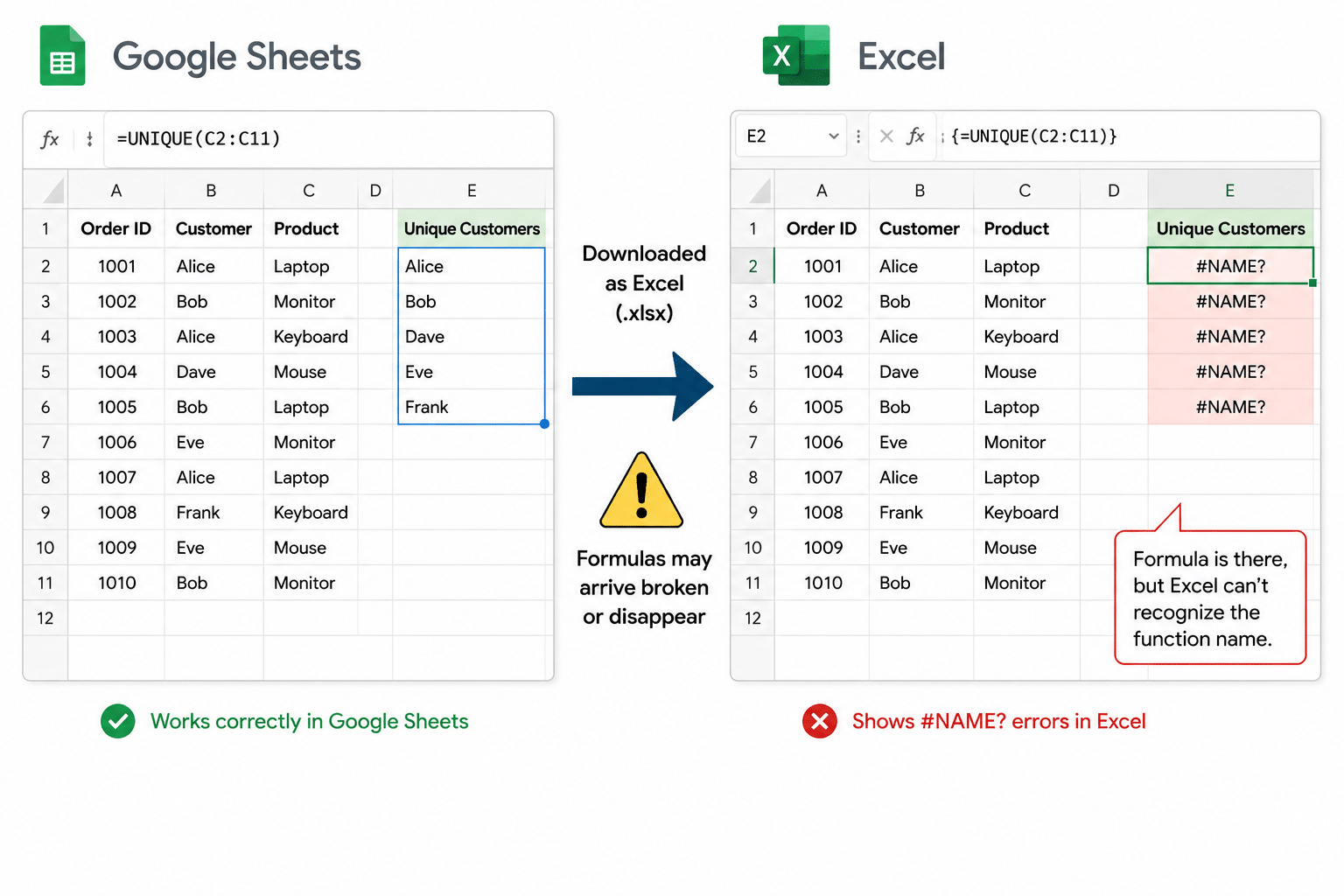
The Google Sheets Formulas That Do Not Survive the Trip to Excel
Download a Google Sheet as Excel and some formulas show #NAME? error, while others do not survive at all. Here is the cause, with files.
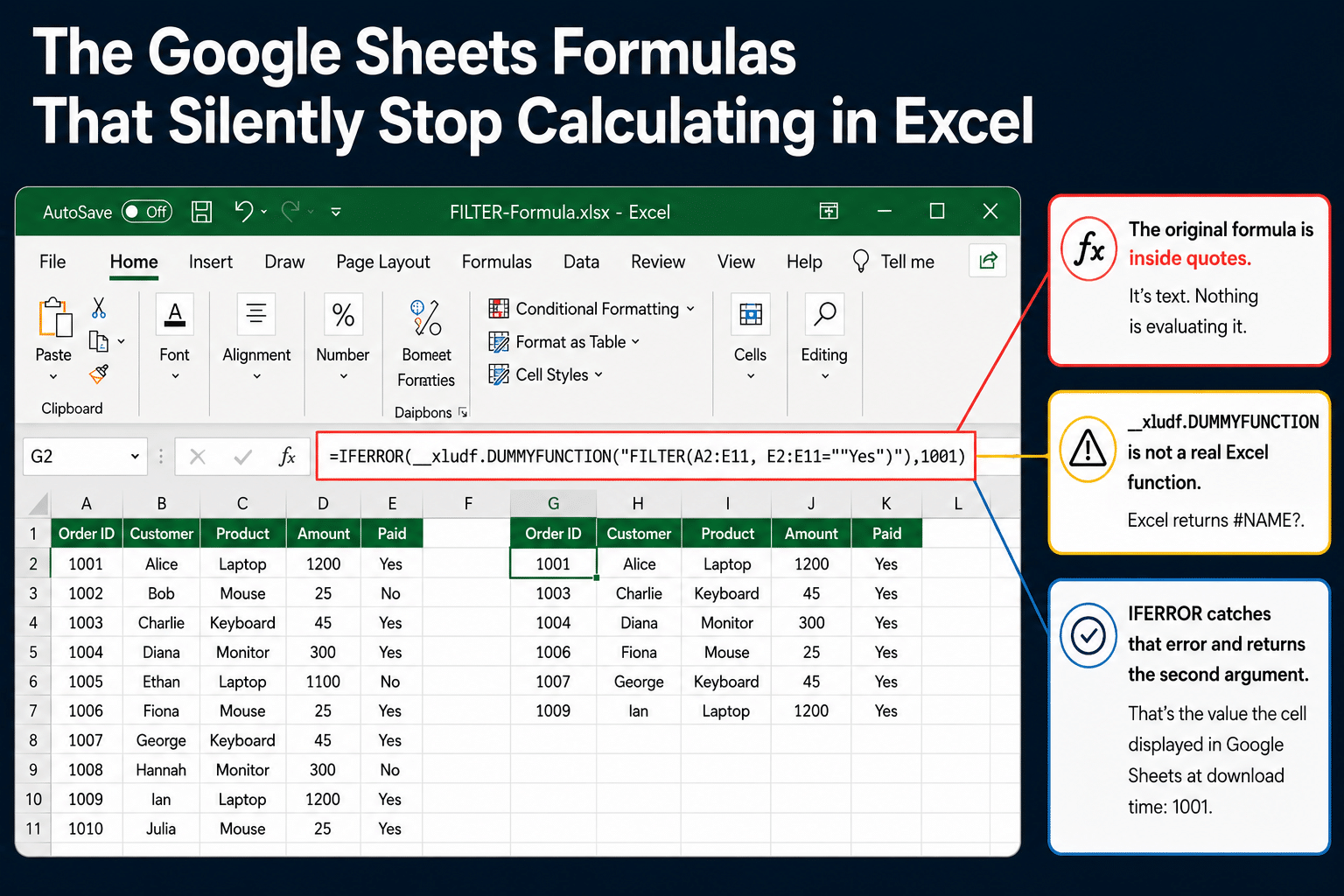
The Google Sheets Formulas That Silently Stop Calculating in Excel
Download a Google Sheet as Excel and some formulas arrive as permanent constants that never recalculate. They show no error. Here is how to find them.
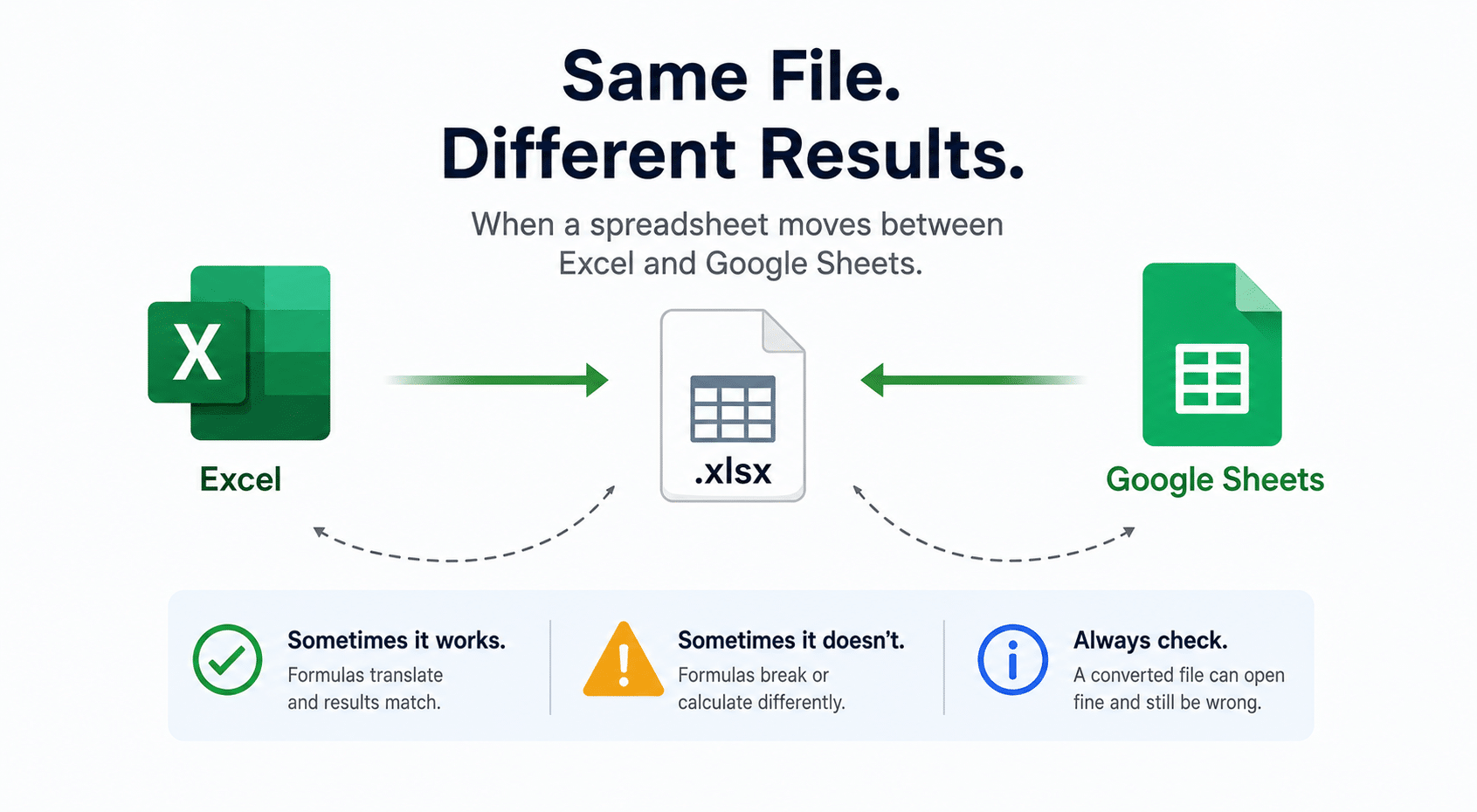
What Really Happens to Your Formulas When You Move a Spreadsheet Between Excel and Google Sheets
When you convert Excel to Google Sheets formulas, or the reverse, a file can open cleanly and still calculate different results. Here is what actually happens.
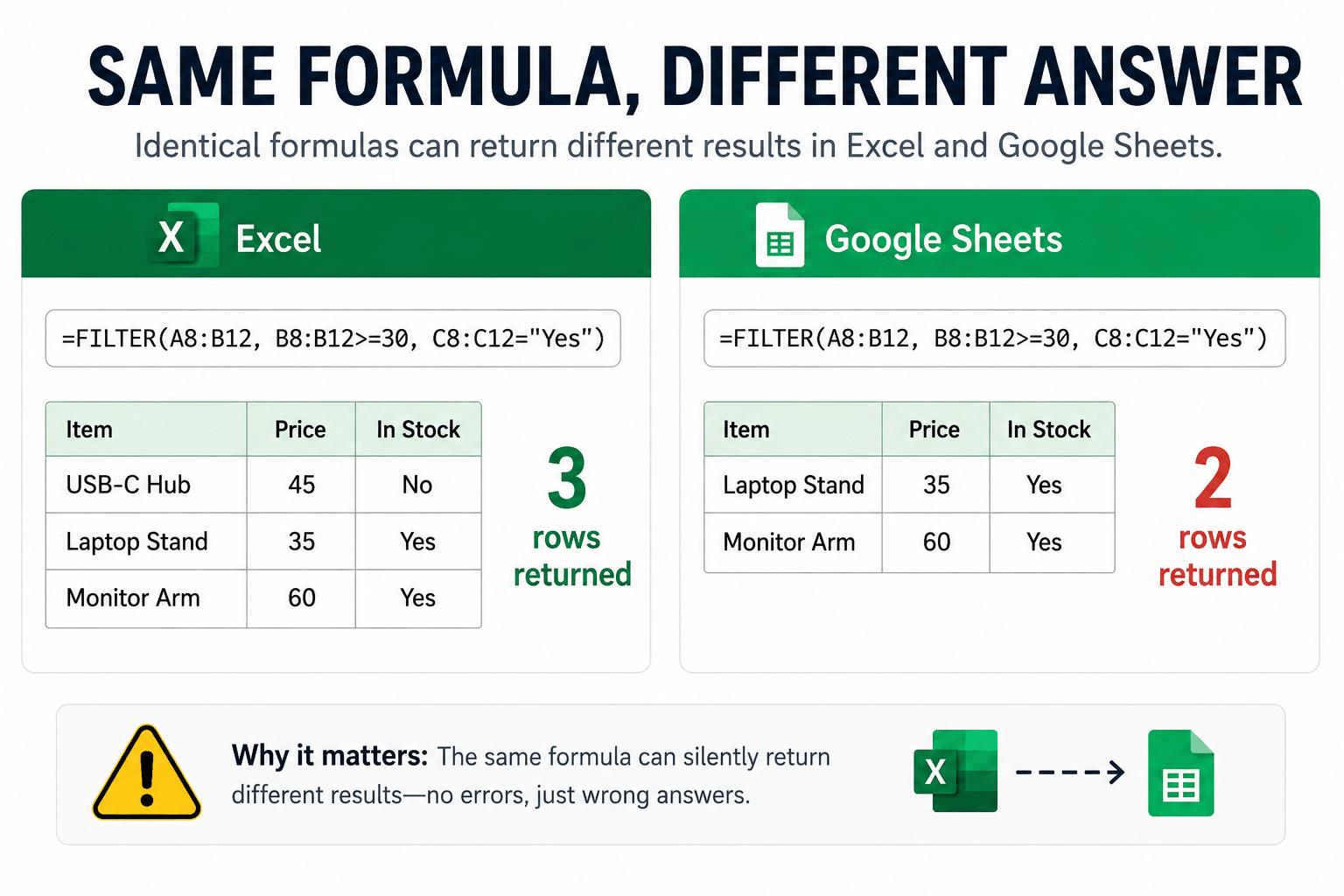
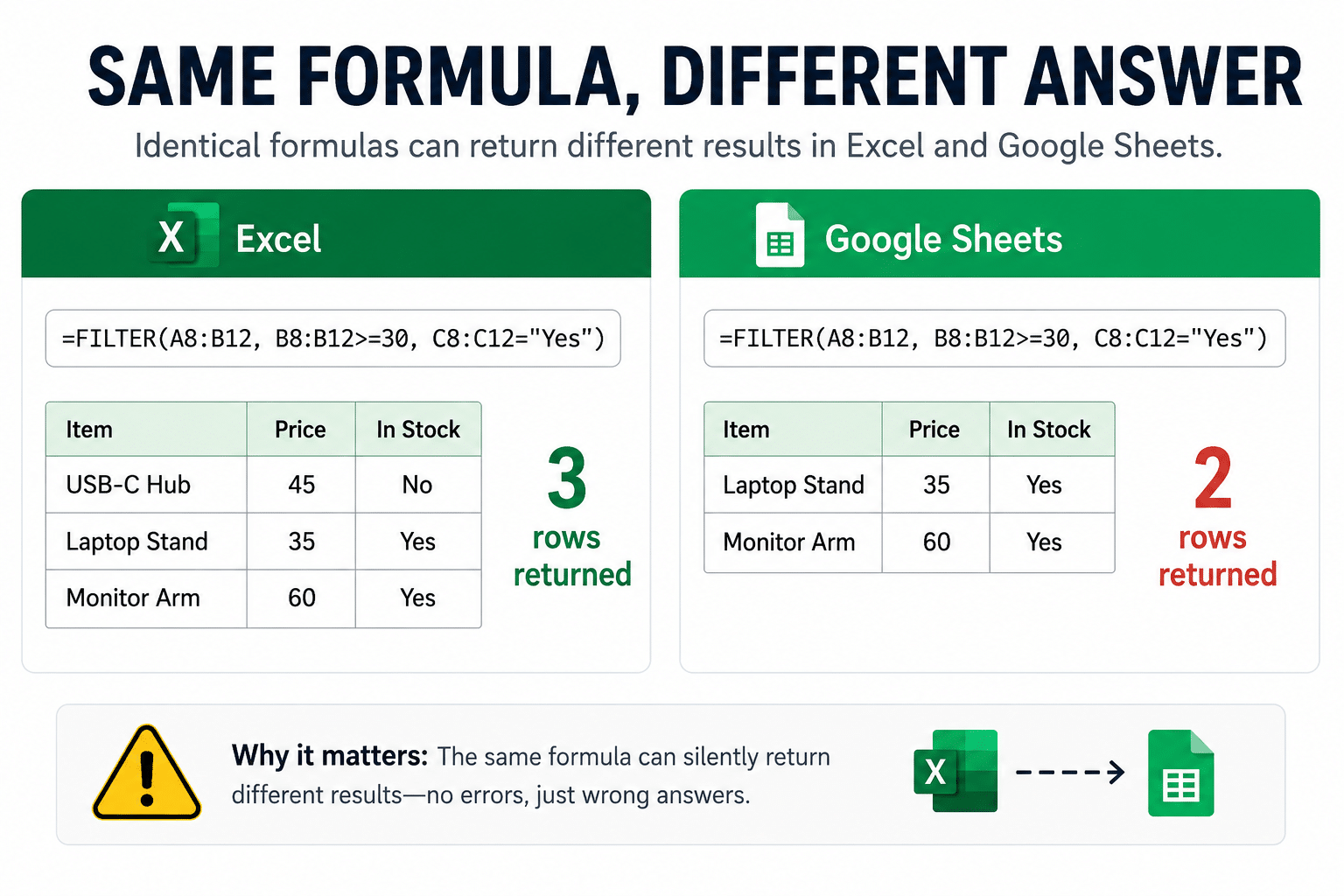
Same Formula, Different Answer: Spreadsheet Traps in Excel and Google Sheets
The same FILTER, SORT, or UNIQUE formula can return different results in Excel and Google Sheets, with no error.
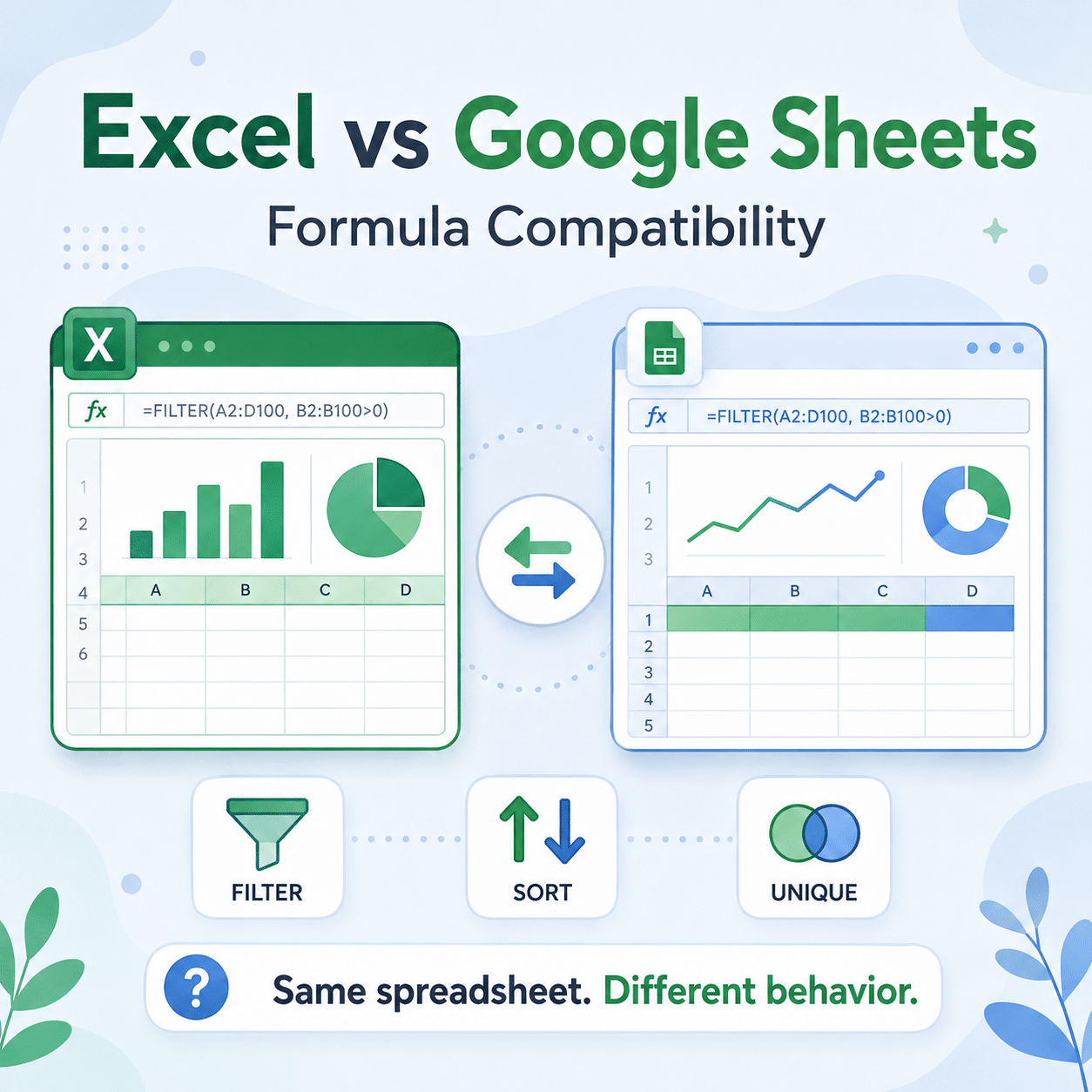
Excel vs Google Sheets Formula Compatibility: The Complete Guide
Excel and Google Sheets share hundreds of functions but do not always compute them the same way. This guide maps every kind of difference, from silently wrong answers to mismatched errors to what happens when a file actually moves between the apps.
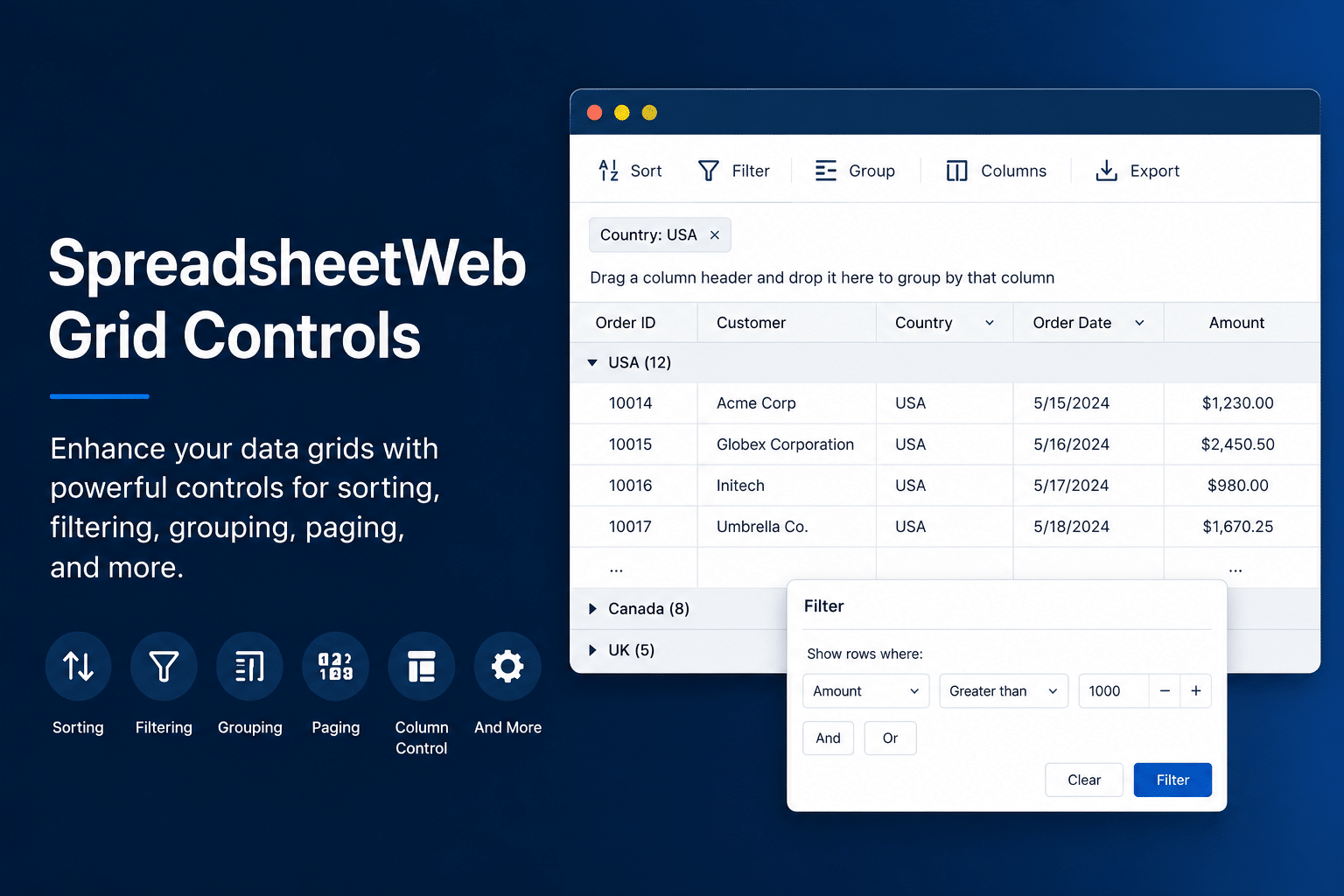
Working with Grid Controls in SpreadsheetWeb: Input, Output, and Form-Based
Learn how grid controls work in SpreadsheetWeb: input, output, and form-based grids, inline vs form entry, filtering and sorting, and pivot-style dynamic grids.
What's New in SpreadsheetWeb - June 2026
Discover the June 2026 SpreadsheetWeb Hub updates, including Simple Label Charts, a more visual page design flow, and new print document merge options.
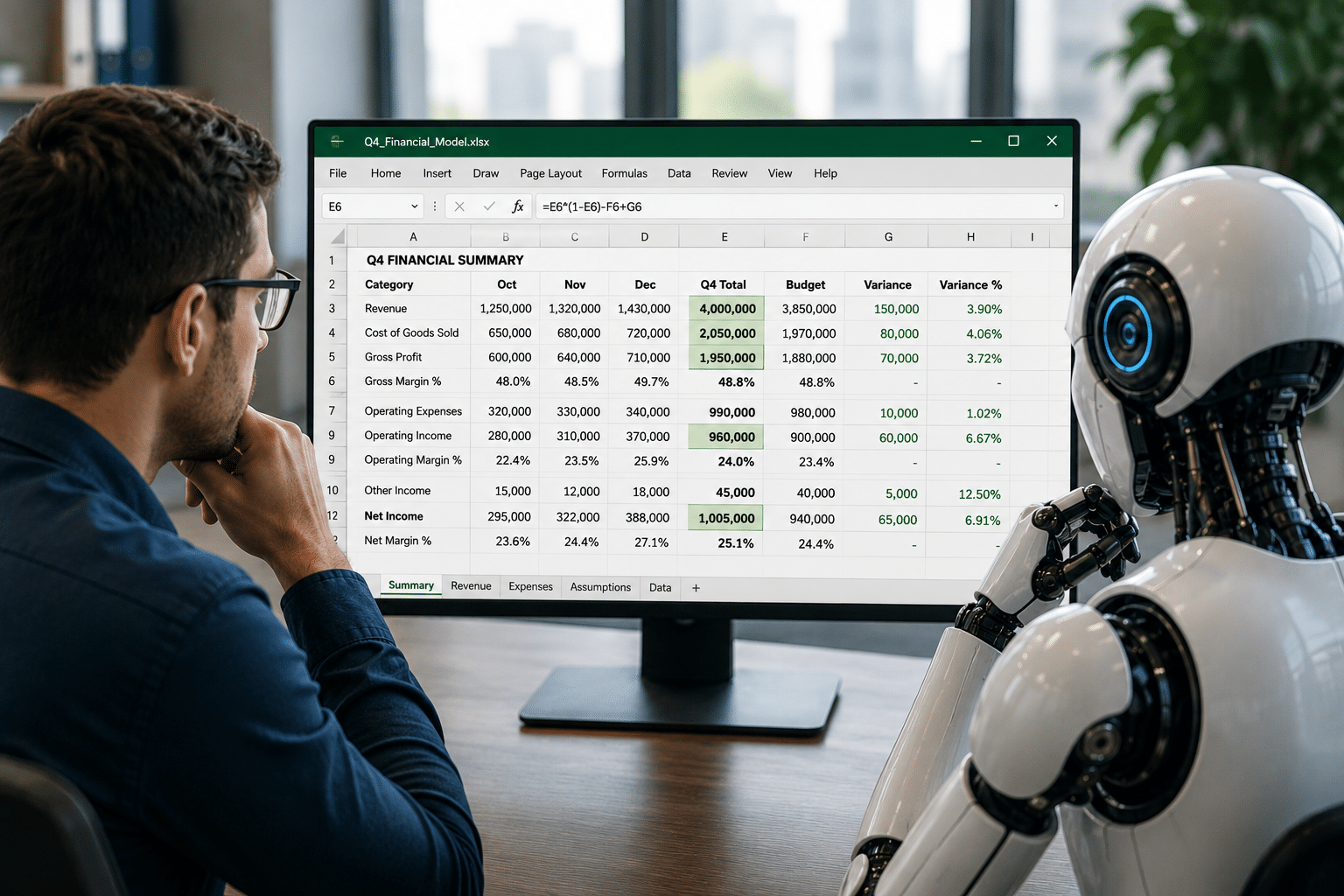
Are Spreadsheets Becoming the Shared Working Surface for Business and AI
Anthropic, Microsoft, and OpenAI are all building Excel agents. Here is why spreadsheets are quietly becoming the shared working surface for business and AI.
What's New in SpreadsheetWeb - May 2026
Discover the latest SpreadsheetWeb Hub updates for May 2026, including Markdown Pages, enhanced Markdown editing, internal page links, reusable application components, and duplication actions for workflows and exports.

Why You Should Never Vibe Code an Excel Spreadsheet
Vibe coding works for many projects, but Excel spreadsheets are not one of them. Here's why generative AI workflows break down on existing business workbooks.
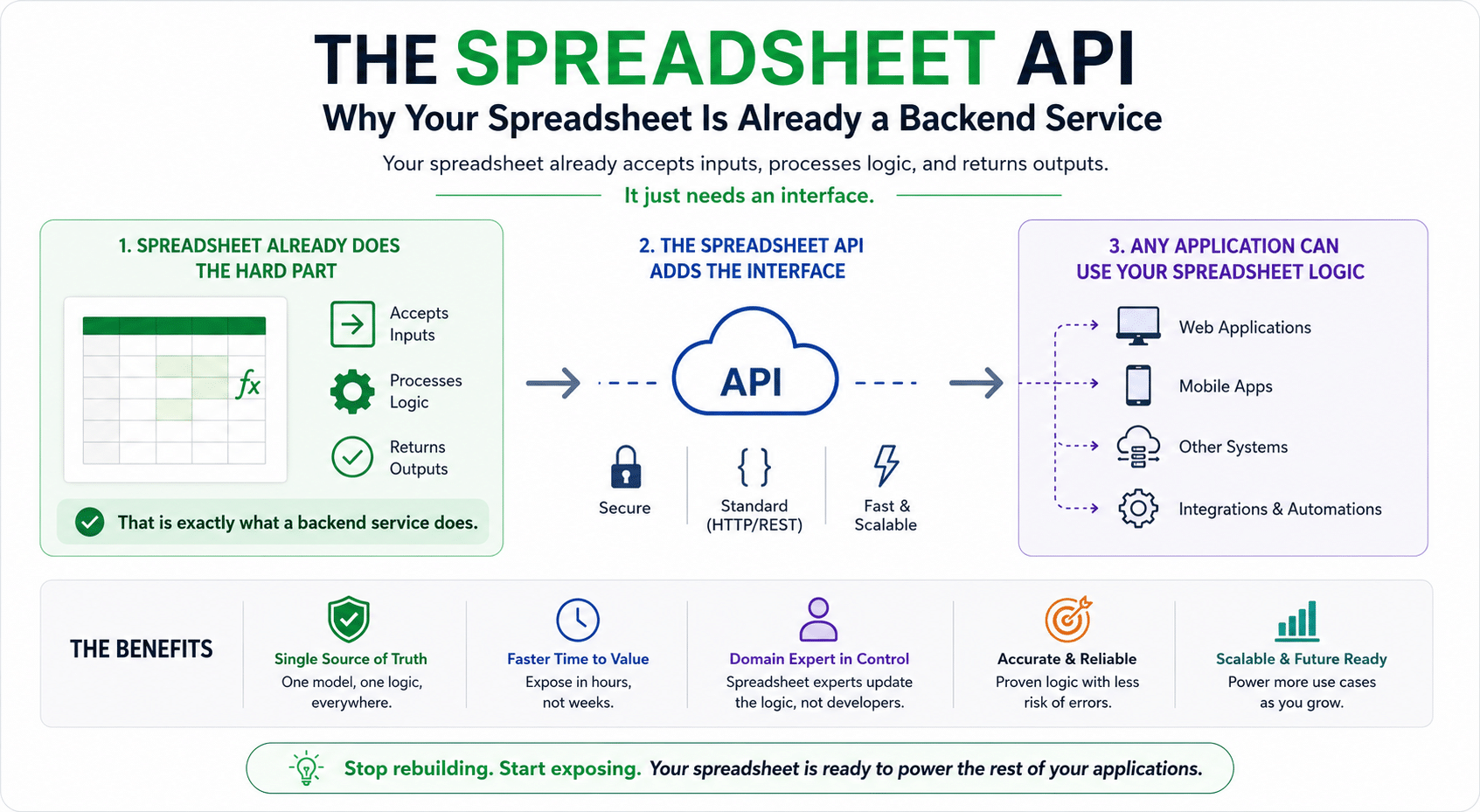
The Excel API: Why Your Spreadsheet Is Already a Backend Service
Most developers rebuild Excel logic from scratch. But if your model has inputs and outputs, it already works like a backend service. Here is a better approach.
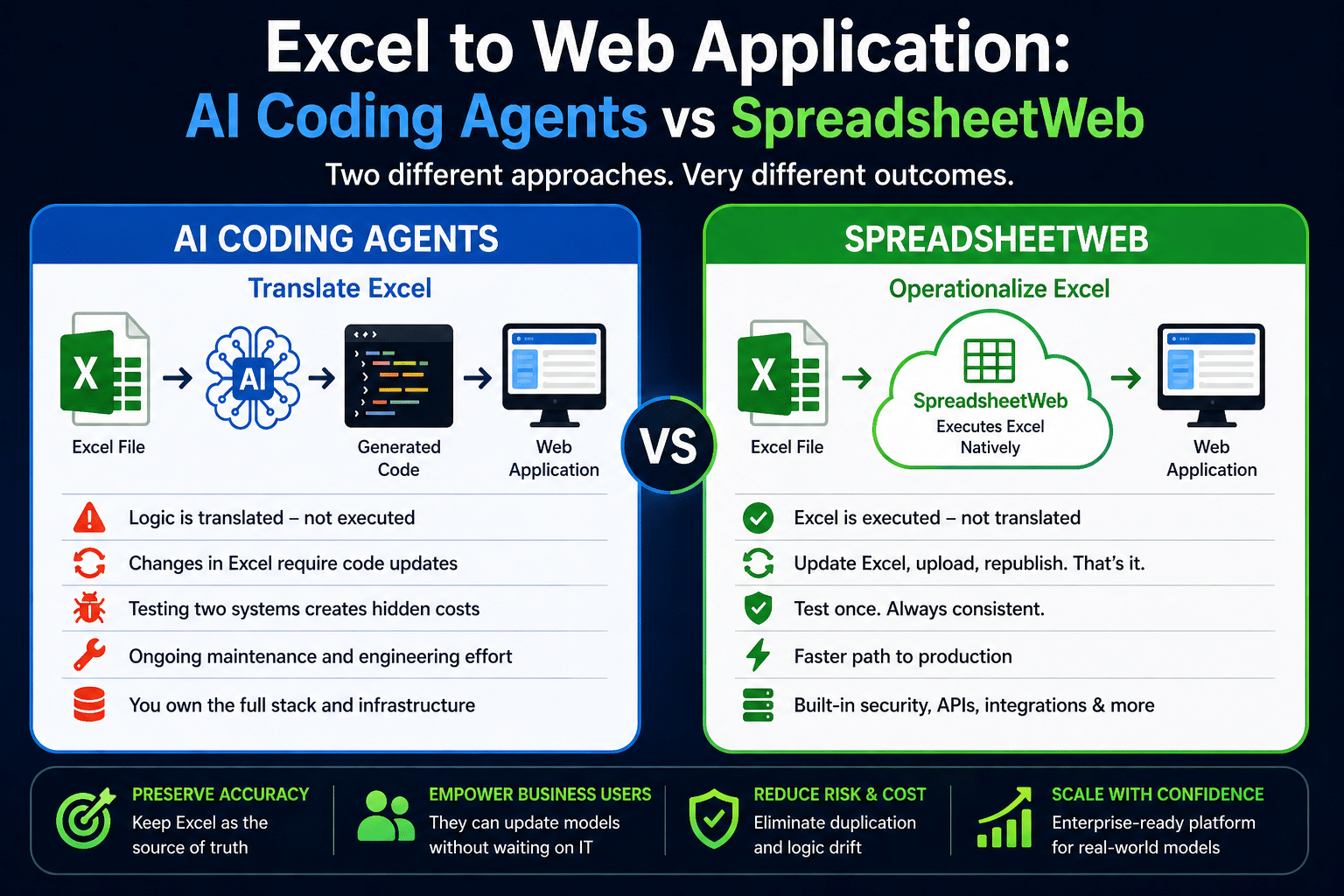
Excel + AI Coding Agents vs. SpreadsheetWeb: What Actually Works in Production?
Thinking of using AI to convert Excel to an app? Here’s why platforms like SpreadsheetWeb are better for complex, evolving models.
What’s New in SpreadsheetWeb – April 2026
Review What’s New in SpreadsheetWeb – April 2026, including the product features, platform improvements, and workflow enhancements covered in this update.
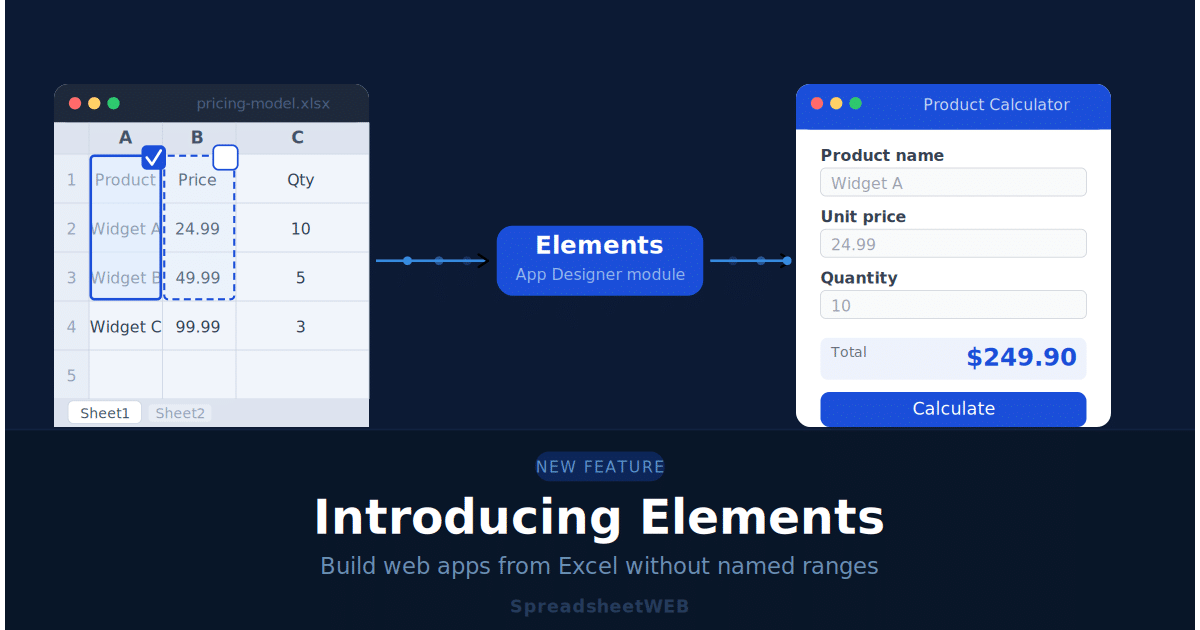
Introducing Elements: Build Web Apps from Excel Without Named Ranges
The new Elements module in SpreadsheetWEB Hub lets you turn any Excel file into a web app without pre-defining named ranges. Discover how auto-detection, worksheet mapping, and automatic reference generation work.
What’s New in SpreadsheetWeb – March 2026
Discover what’s new in the SpreadsheetWeb March 2026 release, including the Elements Module for automated UI generation and the redesigned Layout & Controls V2 interface for faster application development.