
SpreadsheetWeb blog
Practical thinking for spreadsheet-powered teams
Deep guides on Excel, Google Sheets, web applications, product workflows, and the quiet technical traps worth knowing about.
Page 33 of 55 · 1319 articles
How to embed Bing Maps in Excel
Did you know that you can embed maps in Excel to display location data? In this article, we are going to show you how to embed Bing maps.

How to disable Workbook_Open and Auto_Open in Excel
Either skip code for security or a programming decision, this article's going to show how to disable Workbook_Open and Auto_Open in Excel.

How to get Workbook Statistics in Excel
Workbook Statistics is a new feature for Excel 365. In this guide, we're going to show you how to get Workbook Statistics in Excel.

How to set an Excel expiration date
In this guide, we're going to show you how to set an Excel expiration date using VBA to prevent access to the workbook after expiration.
Create Online Quizzes with the Flexibility of Excel and Advanced Capabilities
A focused overview of create Online Quizzes with the Flexibility of Excel and Advanced Capabilities, explaining the main ideas, practical considerations, and relevant examples.

How to Remove a Line Break in Excel
In this guide, we’re going to show you how to Remove Line Breaks in Excel in 2 ways. Either using Find and Replace or Excel formulas.
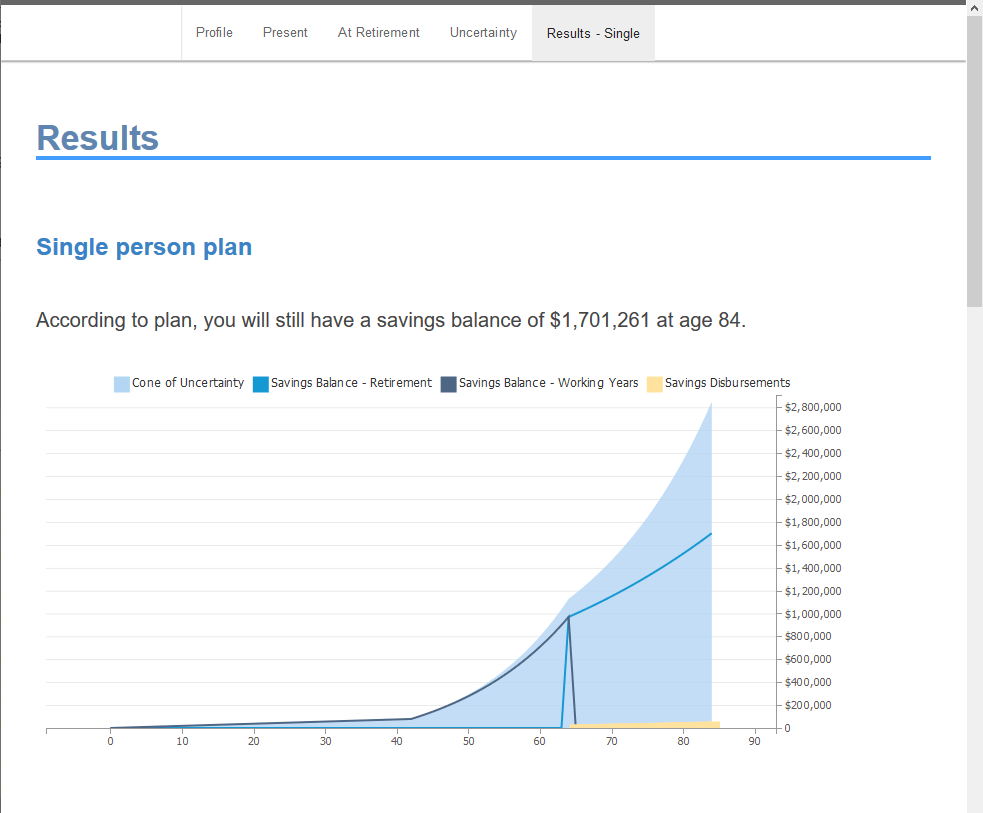
What's New in SpredsheetWEB 6.17: Single Record per User
SpreadsheetWEB 6.17 features single record per user feature, database query trigger customization, and the new Google Sheets Connector.
Single Record per User and Query Triggers Featured in Version 6.17
SpreadsheetWEB 6.17 features new workflow capabilities, database query trigger customization, and the new Google Sheets Connector.
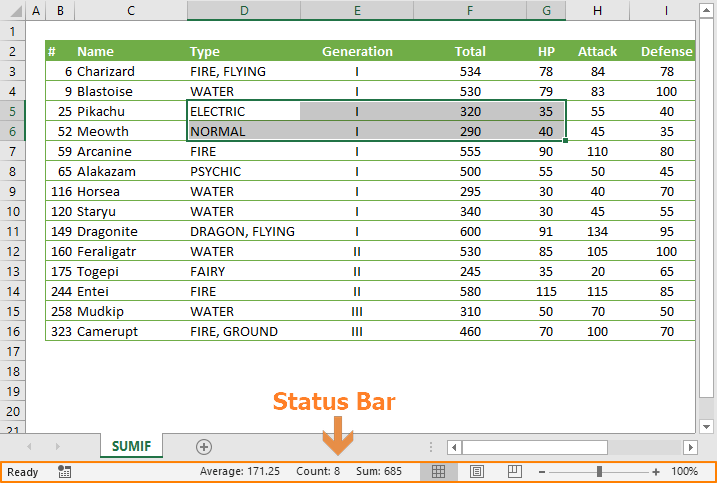
How to customize the Excel status bar
Status Bar displays various information about the Excel workbook. In this guide, we’re going to show you how to customize Excel Status bar.

How to transpose Excel data using the Paste Special feature
Transposing means to rotate a range. In this guide, we’re going to show you how to transpose Excel data using the Paste Special feature.

How to add a diagonal line to a cell in Excel
In this guide, we’re going to show you how to add a diagonal line to a cell in Excel and some examples for when this format can be handy.

How to save an Excel chart template
In this guide, we’re going to show how to save an Excel chart template, and also go over re-using and deleting any existing templates.

How to use Paste Special to modify formulas in Excel
In this guide, we’re going to show how to use Paste Special to modify formulas in Excel. You can add, subtract, multiply or divide formulas.

How to multiply multiple cells in Excel using Paste Special
In this guide, we’re going to show you how to multiply multiple cells in Excel using Paste Special, which can also Add, Subtract, Divide.
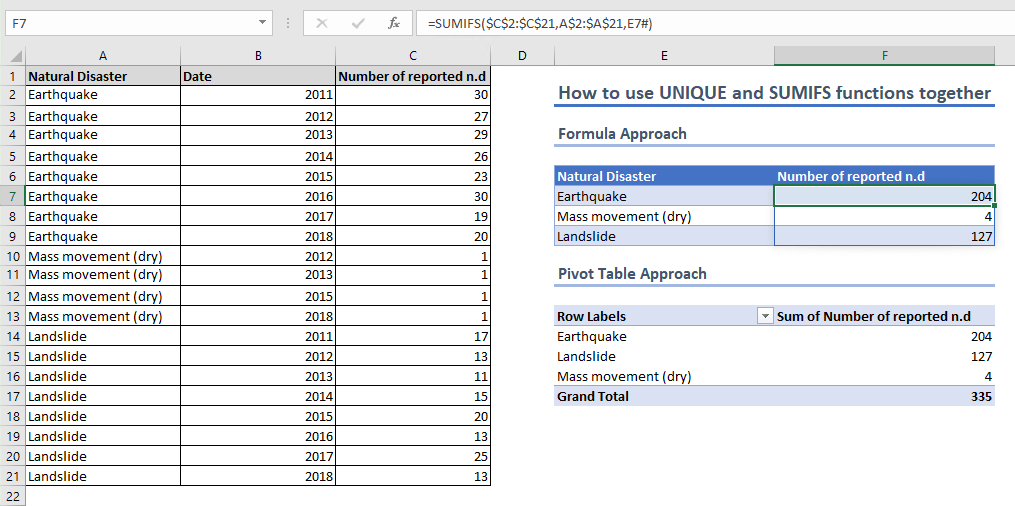
How to create an Excel summary table using UNIQUE and SUMIFS
In this guide, we’re going to show you how to use UNIQUE and SUMIFS functions in combination to generate an Excel summary table.

How to do a cell count if not equal to a variable or even an error code
In this guide, we’re going to show an alternative way to count if not equal to a variable, or even an error message in Excel, using formulas.

How to use COUNTIFS Excel Function with Unequal Ranges
In this guide, we’re going to show how to use COUNTIFS Execl with unequal ranges. COUNTIF function is also a viable alternative for this.
NoCode in the Enterprise
NoCode enterprise reach can require a significant amount of effort to make the product compatible with rigorous requirements.
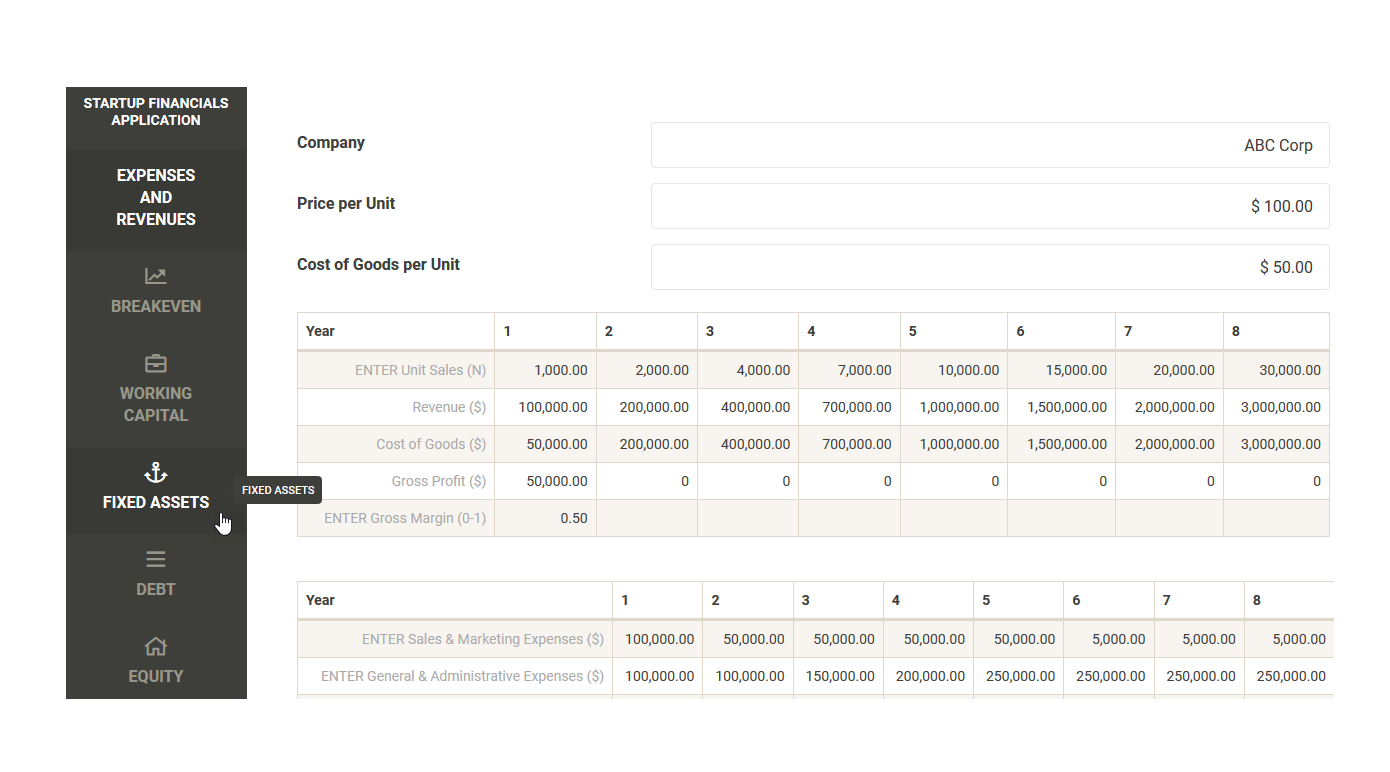
What's New in SpreadsheetWEB 6.16
With this version, we now have a OneDrive connector and page icons! OneDrive is one of the most popular cloud services for storing files.
Version 6.16 Introduces the OneDrive Connector and Page Icons
Pagos, Inc. has just announced the release of version 6.16, introducing the OneDrive connector, and the ability to add page icons.

How to count if not equal to x or y in Excel
In this guide, we’re going to show you how to count cells not equal to x or y in Excel with COUNTIFS and SUMPRODUCT functions.

How to make complex formulas easier to read with line breaks in Excel
In this guide, we’re going to show you how to make complex formulas easier to read by separating them using line breaks in Excel.
Handling Business Logic in NoCode
While there are numerous NoCode platforms for designing presentation and data layers, the market is sparse when it comes to business logic.
How to switch to Excel full screen mode
Full screen view can greatly increase the work area visibility. In this guide, we’re going to show you how to switch to Excel full screen.