
SpreadsheetWeb blog
Practical thinking for spreadsheet-powered teams
Deep guides on Excel, Google Sheets, web applications, product workflows, and the quiet technical traps worth knowing about.
Page 35 of 55 · 1319 articles

AVERAGEA in Excel
In this guide, we’re going to show you how to use AVERAGEA in Excel and also go over some tips and error handling methods.
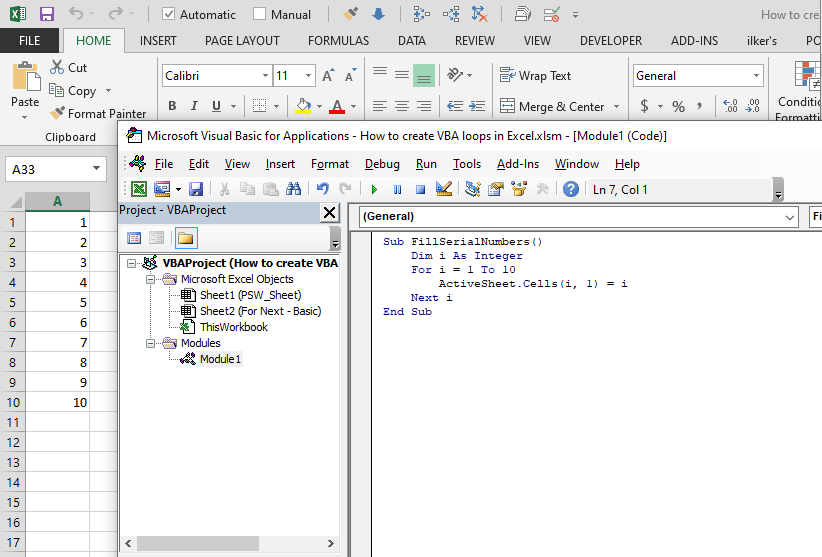
All You Need to Know on How to Create a VBA loop in Excel
A loop is an essential concept for programming. In this guide, we're going to show you how to create a VBA loop in Excel.
Connected Workbooks: SpreadsheetWeb Supports External References (Links) in Excel
External reference connects a cell or range on a worksheet to another Excel workbook.

Control Shift Enter Excel Shortcut (CSE) and Array Formulas
In this guide, we're going to explain you Control Shift Enter Excel shortcut (CSE) and how to apply array formulas in Excel.

10 Things You Need to Know About the VLOOKUP Excel Function
In this guide we're going to list 10 things you should know about VLOOKUP Excel function. These tips also work for the HLOOKUP function.
What’s New in SpreadsheetWeb 6.14
The SpreadsheetWEB Connector works like external references in Excel, but with everything inside the SpreadsheetWEB ecosystem.
Version 6.14 Introduces the New SpreadsheetWEB Connector
Pagos, Inc. has just announced the release of version 6.14, introducing the new SpreadsheetWEB Connector and enhanced headers support in grid controls.

How to convert seconds to time value in Excel
Excel evaluates them a bit different than real world. In this guide, we are going to show you how to convert seconds to time value in Excel.

Excel SIGN Function
In this guide, we’re going to show you how to use the Excel SIGN function and also go over some tips and error handling methods.

Excel ADDRESS Function - Find Cell References in Your Workbook
In this guide, we’re going to show you how to use the Excel ADDRESS function and also go over some tips and error handling methods.

Function: SECOND
In this guide, we’re going to show you how to use the SECOND function and also throw in some tips and error handling methods.

Function: MINUTE
In this guide, we’re going to show you how to use the MINUTE Excel function and also go over some tips and error handling methods.

Function: HOUR
In this guide, we’re going to show you how to use the Excel HOUR function and also throw in some tips and error handling methods.

How to solve quadratic equations in Excel – Formula and VBA
In this guide, we are going to show you a different approach to solving quadratic equations in Excel using formulas and VBA.

How to solve quadratic equations in Excel - Goal Seek
In this guide, we are going to show you how to solve quadratic equations in Excel. The first part of the article focuses on Goal Seek.

How to create bullet points in Excel (•)
In this article, we are going to show you how to create bullet points (•) in Excel. We have listed 4 ways to insert a bullet point in Excel.
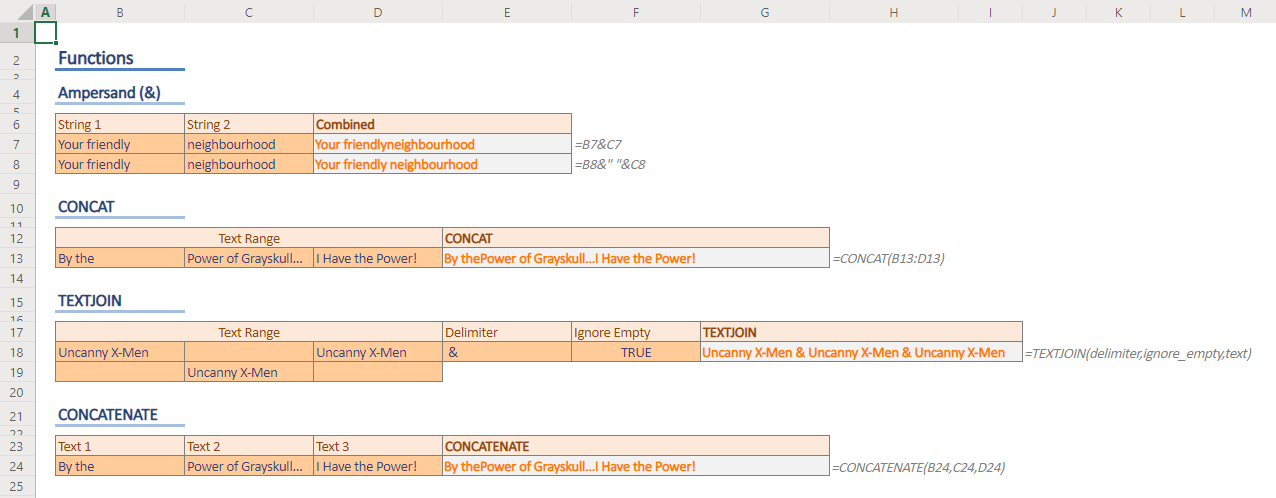
How to concatenate strings in Excel
In this guide, we're going to show you how to concatenate strings in Excel using the ampersand character and also with the help of functions.

How to round numbers in Excel
In this guide, we are going to show you how to round numbers in Excel with the help of formulas and the number formatting feature.

How to convert feet to inches, and vice versa in Excel
In this guide, we're going to show you how to convert feet to inches and inches to feet in Excel. CONVERT and VLOOKUP functions are used.
How to convert pounds to kg, and vice versa
In this guide, we are going to show you how to convert pounds to kg and kg to pounds. You can find examples with CONVERT and VLOOKUP.

How to convert inches to cm, and cm to inches
In this guide, we are going to show you how to convert cm to inches, and inches to cm units using manual and dynamic methods.

How to sort text in Excel using formulas
In this article, we're going to show you how to sort text in Excel using formulas. This approach means a dynamic sorting capability.

How to calculate subtotal in Excel
A subtotal in Excel means aggregation of one set of a larger data. In this guide, we're going to show you how to calculate subtotal in Excel.

How to insert a square root symbol in Excel (√)
It might be tricky to display math operations in Excel. In this article, we are going to show you how to insert a square root symbol.