
Excel resources
Excel Tips & Tricks
Articles, examples, and practical guidance from the SpreadsheetWeb team.
Page 40 of 60 · 540 articles

How to calculate percentage in Excel
In this article, we are going to show you how to calculate percentage in Excel. You can show numbers as percentages without any calculation.
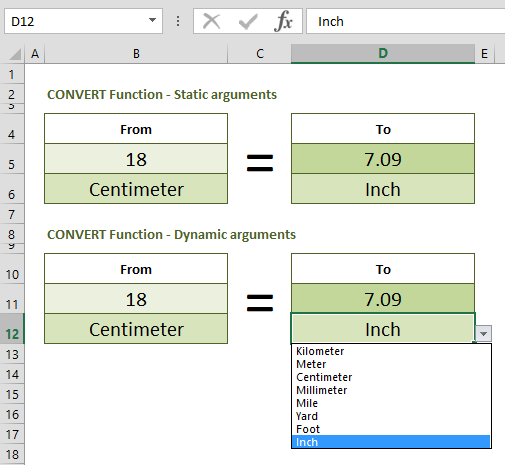
How to convert cm to inches, and vice versa
In this guide, we are going to show you how to convert cm to inches and inches to centimeters using Excel, with the help of various methods.

How to create check boxes in Excel (Tick boxes)
In this guide, we're going to show you how to create check boxes in Excel and customize them.
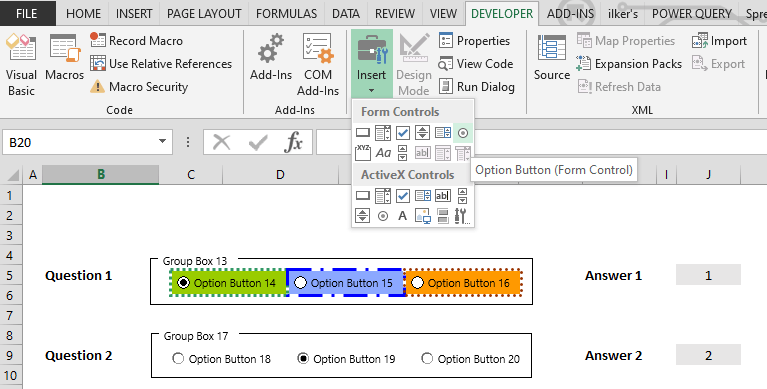
How to create radio buttons in Excel (Option Buttons)
In this guide, we are going to show you how to create radio buttons (option buttons) in Excel.
How to create a bell curve in Excel
In this guide, we are going to show you how to create a bell curve in Excel with a real world use case scenario as an example.

How to use Center Across Selection, an alternative to Merge Cells
In this guide, we are going to show you how to use Center Across Selection in Excel, an alternative to Merge Cells.

How to change text orientation in Excel
In this guide, we are going to show you how to change text orientation in Excel and use angled headers through different methods.

How to hide zeros in Excel
In this guide, we’re going to show you how to hide zeros in Excel with the use of three different methods that cover cells or worksheet.

How to navigate between worksheets in Excel
In this guide, we are going to show you various methods for tab navigation between worksheets in Excel using shortcuts and hyperlinks.