
SpreadsheetWeb blog
Practical thinking for spreadsheet-powered teams
Deep guides on Excel, Google Sheets, web applications, product workflows, and the quiet technical traps worth knowing about.
Page 39 of 55 · 1319 articles

How to refresh stock data in Excel
In this article, we are going to show how to refresh stock data in Excel in 4 different ways, from doing this with a shortcut to a VBA macro.

Function: NETWORKDAYS
In this guide, we’re going to show you how to use the NETWORKDAYS function to find the number of work days between dates.

Function: DAYS360
In this guide, we’re going to show you how to use the Excel DAYS360 function and also go over some tips and error handling methods.
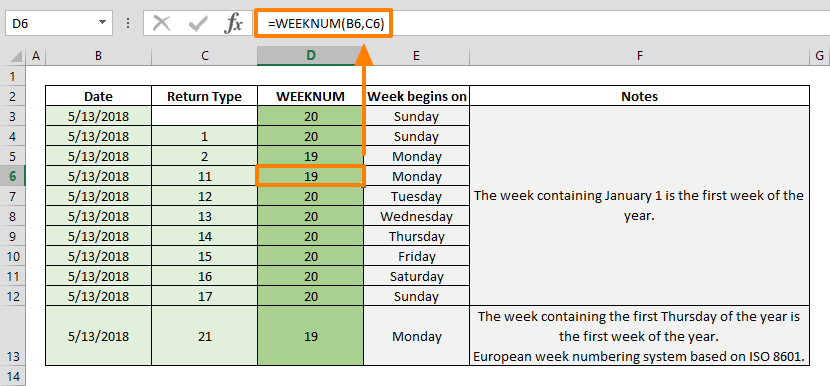
Function: WEEKNUM
In this guide, we’re going to show you how to use the WEEKNUM function that can find the week index number of a given date.

Function: WEEKDAY
In this guide, we’re going to show you how to use the Excel WEEKDAY function and also go over some tips and error handling methods.

Function: EOMONTH
In this guide, we’re going to show you how to use the EOMONTH Excel function and also go over some tips and error handling methods.

Function: DAYS
Learn how Excel's DAYS function works, including its syntax, arguments, and practical usage.

How to monitor formulas using the Watch Window Excel feature
In this guide, we're going to show you how to monitor formulas with Watch Window.

How to Filter a Table in Excel
Data filters are essential for reporting and decision making. In this guide, we're going to show you tips about how to filter Excel Tables.

Function: EDATE
In this guide, we’re going to show you how to use the Excel EDATE function and also go over some tips and error handling methods.

Function: DATEDIF
In this guide, we’re going to show you how to use the DATEDIF function and also go over some tips and error handling methods.
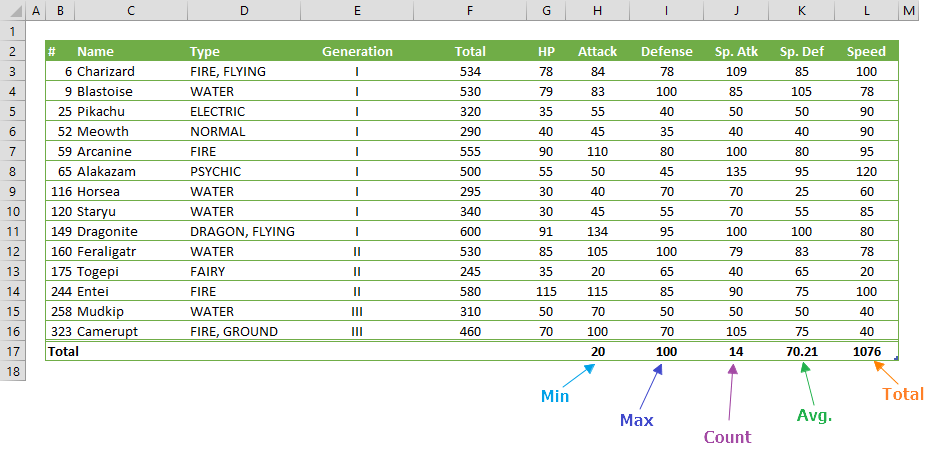
How to add Total row in Excel Tables
You can add a dynamic row to your table to display aggregate data. Let us show you how to add a total row in Excel tables.

Function: RRI
In this guide, we’re going to show you how to use the RRI function and also go over some tips and error handling methods.

Slicers in Excel Tables
In this guide, we're going to show you tips about using slicers in Excel Tables.
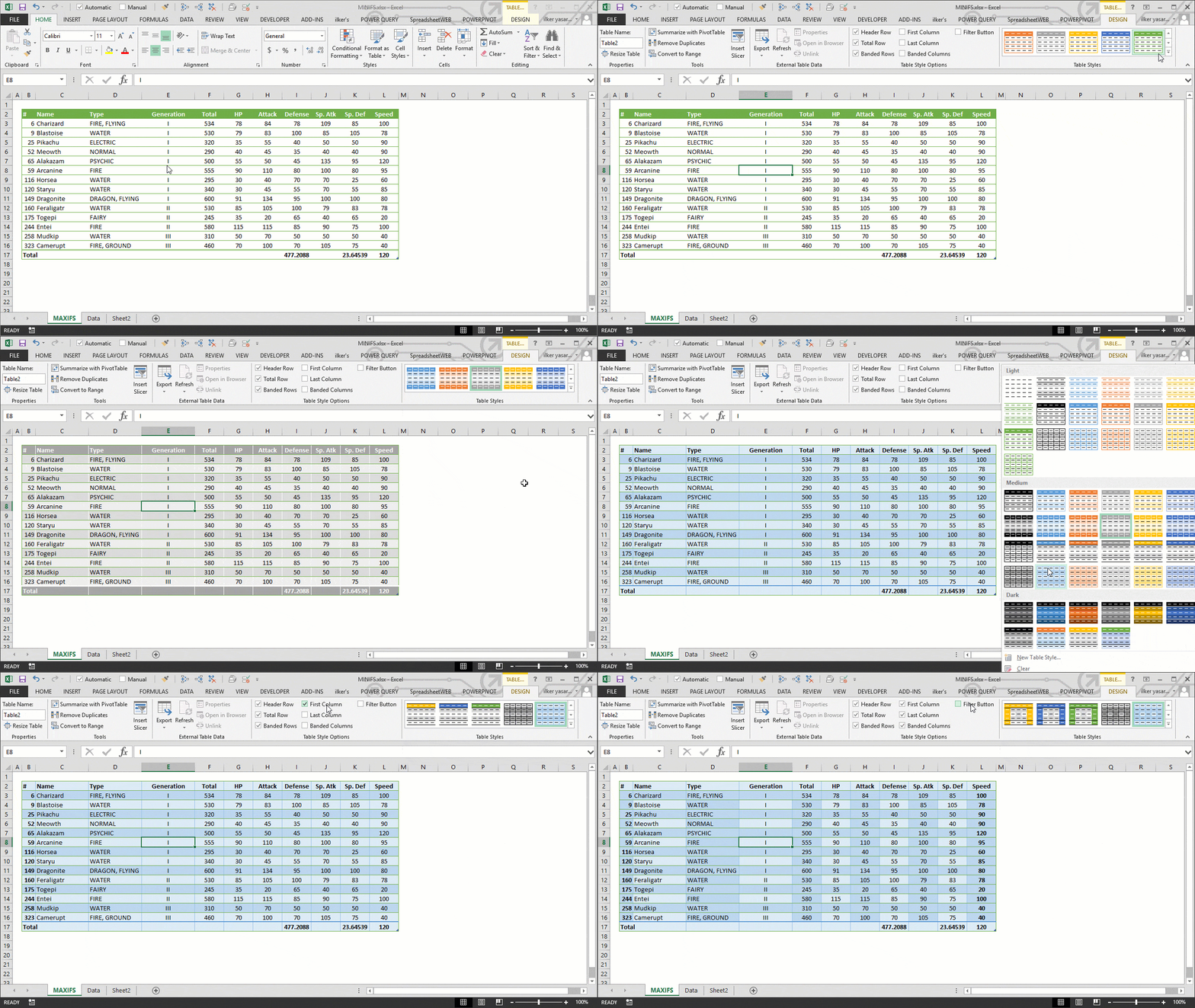
How to Change Table Style in Excel
In this guide, we're going to show you how to apply styles in Excel tables.

Function: NPER
In this guide, we’re going to show you how to use the NPER function and also go over some tips and error handling methods.

Function: PMT
In this guide, we’re going to show you how to use the PMT function and also go over some tips and error handling methods.

5 Ways to Create an Excel Named Range
Using named ranges make formulas easier to read and maintain. We're going to show you 5 different ways to create an Excel named range.

Function: LOG10
In this guide, we’re going to show you how to use the LOG10 Excel function and also go over some tips and error handling methods.
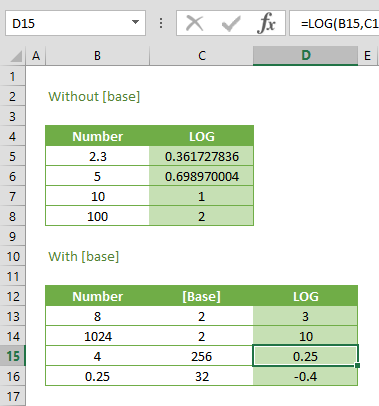
Function: LOG
In this guide, we’re going to show you how to use the LOG function and also go over some tips and error handling methods.

Function: LN
In this guide, we’re going to show you how to use the Excel LN function and also go over some tips and error handling methods.

Function: EXP
In this guide, we’re going to show you how to use the Excel EXP function and also go over some tips and error handling methods.

How to create calculated columns in Excel tables
Excel Tables are useful in managing and analyzing data in tabular format. Let us show you how to create calculated columns in Excel tables.

Function: FACTDOUBLE in Excel
In this guide, we’re going to show you how to use the FACTDOUBLE function in Excel and also go over some tips and error handling methods.