
SpreadsheetWeb blog
Practical thinking for spreadsheet-powered teams
Deep guides on Excel, Google Sheets, web applications, product workflows, and the quiet technical traps worth knowing about.
Page 41 of 55 · 1319 articles
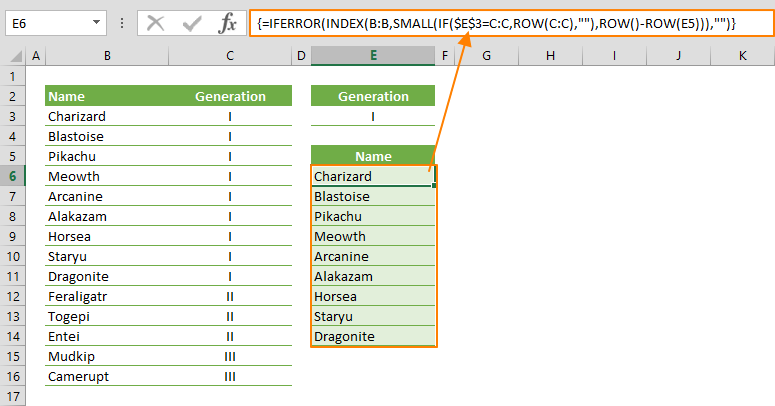
How to filter by using a formula in Excel
In this guide, we’re going to show you how to filter by using a formula in Excel.

Excel TRIM Function
In this guide, we’re going to show you how to use the Excel TRIM function and also go over some tips and error handling methods.
Radar Chart in Excel
Learn how Radar Chart in Excel works, including its structure, available chart types, and the steps for creating it in Excel.

How To Use Random Number Generator in Excel
In this guide, we’re going to show you how to use random number generator in Excel with RAND, RANDBETWEEN and RANDARRAY functions.
What’s New in SpreadsheetWeb 6.9
In this update, we focused on giving our users a more transparent platform, and added support for dynamic array formulas.
Pagos Announces the Release of SpreadsheetWEB 6.9 Introducing Support for Dynamic Array Formulas
SpreadsheetWEB version 6.9 is now supporting dynamic array formulas and allowing users to download their information with one click.

Function: CODE
In this guide, we’re going to show you how to use CODE function and also throw in some tips and error handling methods.

How to insert a cent symbol (¢) in Excel
In this article, we're going to show you how to insert a cent symbol in Excel, and walk you through 5 different methods to do this.

Function: IFNA
In this guide, we’re going to show you how to use IFNA Excel function and also go over some tips and error handling methods.

Function: ISNA
In this guide, we’re going to show you how to use ISNA Excel function and also go over some tips and error handling methods.

Function: NA
In this guide, we’re going to show you how to use NA Excel function and also go over some tips and error handling methods.

Iframe Tutorial
Follow the Iframe Tutorial with a focused overview of the required setup, configuration steps, and expected result.
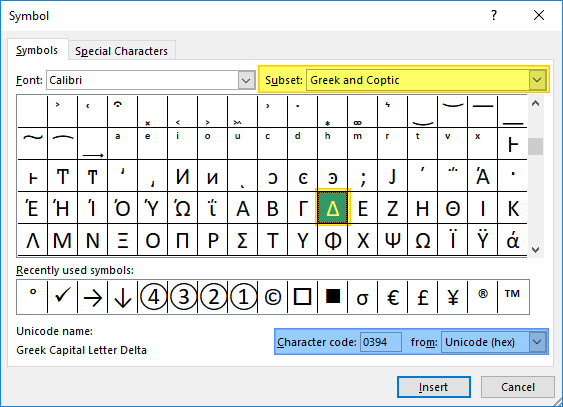
How to insert a delta symbol in Excel (Δ)
Delta, which is the 4th letter of the Greek alphabet, is widely used in mathematics and science. Unfortunately, most keyboards don't have this key and you would have to use different methods to get it in your Excel spreadsheets.
Pie Chart in Excel
Excel has a plethora of options for pie charts that you can choose from. Let us show you how to make a pie chart in Excel!

Function: ISFORMULA
In this guide, we’re going to show you how to use ISFORMULA Excel function and also go over some tips and error handling methods.
Localization Tutorial
Follow the Localization Tutorial with a focused overview of the required setup, configuration steps, and expected result.

Function: SUMPRODUCT
In this guide, we’re going to show you how to use the SUMPRODUCT Excel function and also go over some tips and error handling methods.

Function: COLUMNS
In this guide, we’re going to show you how to use the COLUMNS function and also go over some tips and error handling methods.

Function: ROWS
In this guide, we’re going to show you how to use the Excel ROWS function and also go over some tips and error handling methods.

Function: RANDBETWEEN
In this guide, we’re going to show you how to use the RANDBETWEEN function and also go over some tips and error handling methods.

Function: RAND
In this guide, we’re going to show you how to use the Excel RAND function and also go over some tips and error handling methods.
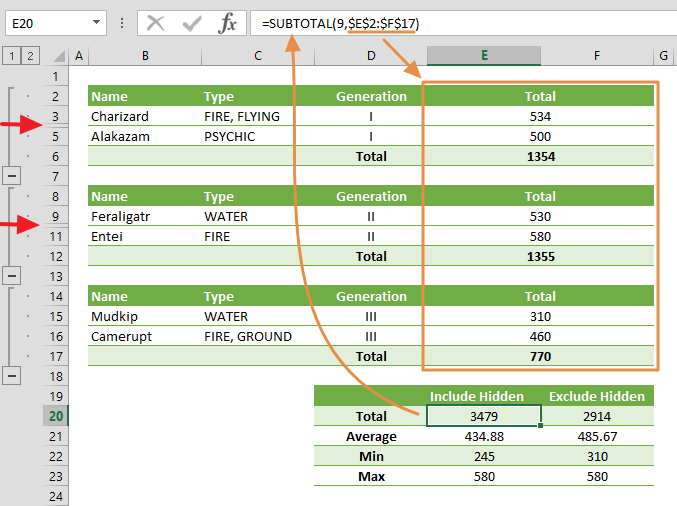
Function: SUBTOTAL
In this guide, we’re going to show you how to use the Excel SUBTOTAL function and also go over some tips and error handling methods.

Function: COUNT
In this guide, we’re going to show you how to use the COUNT function and also go over some tips and error handling methods.
See How an Inspection Tool Can Do Much More as a Web Application
A focused overview of see How an Inspection Tool Can Do Much More as a Web Application, explaining the main ideas, practical considerations, and relevant examples.