
Excel resources
Excel Tips & Tricks
Articles, examples, and practical guidance from the SpreadsheetWeb team.
Page 46 of 60 · 540 articles

How to wrap text in Excel
Learn how to wrap text in Excel. This practical guide covers the formula syntax, setup steps, and how the result is calculated in Excel.
How to create a gauge chart in Excel
Learn how to create a gauge chart in Excel. This practical guide covers the required setup, step-by-step process, and useful Excel options.

How to use format painter in Excel
In this guide, we’re going to show you How to use format painter in Excel. Format painter works with all Excel versions.

How to add a custom button to Excel Ribbon
This article shows how to add a custom button to Excel Ribbon in 2010 or newer versions.

How to show named ranges that were made hidden using VBA
Hidden named ranges can be tricky to find and work with. Let us walk you through how you can show named ranges that were hidden using VBA.

How to insert a degree symbol in Excel
Standard keyboards don’t have a button for this useful symbol.Let us show you 4 different ways on how to insert a degree symbol in Excel.
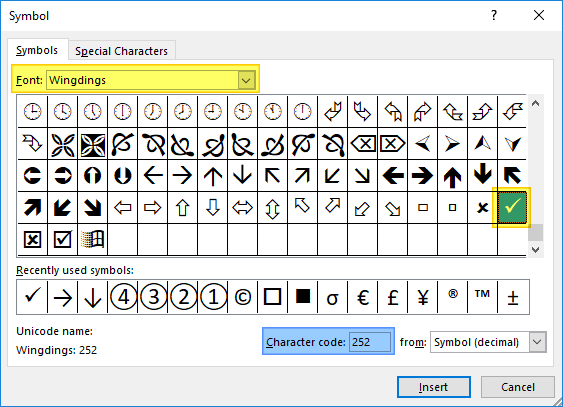
How to insert a check mark in Excel
A check mark is the universal character for confirmation. In this article we listed 5 methods you can use to to insert a check mark in Excel.
Column Chart in Excel: Everything You Need to Know
Excel, being the go-to software for all data tasks supports all kinds of bar and column charts with extensive customization options.
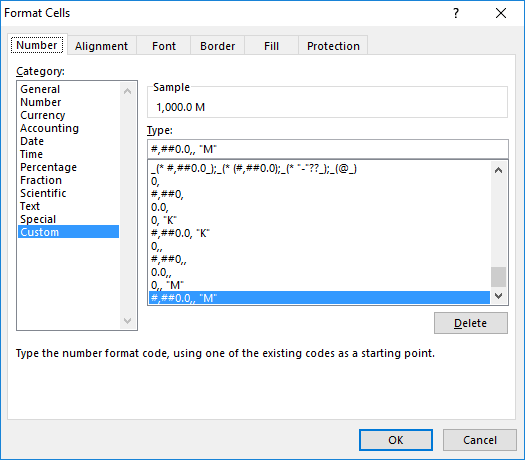
How to format numbers in Excel with millions separators
In this article, we're going to show you how to format numbers in Excel with million separators without changing the actual values.