
Excel resources
Excel Tips & Tricks
Articles, examples, and practical guidance from the SpreadsheetWeb team.
Page 20 of 60 · 540 articles

How to split worksheet in Excel
In this guide, we’re going to show you how to split worksheet also known as splitting panes in Excel.

How to create five-star rating chart in Excel
In this guide, we’re going to show you how to create five-star rating chart in Excel by using conditional formatting.
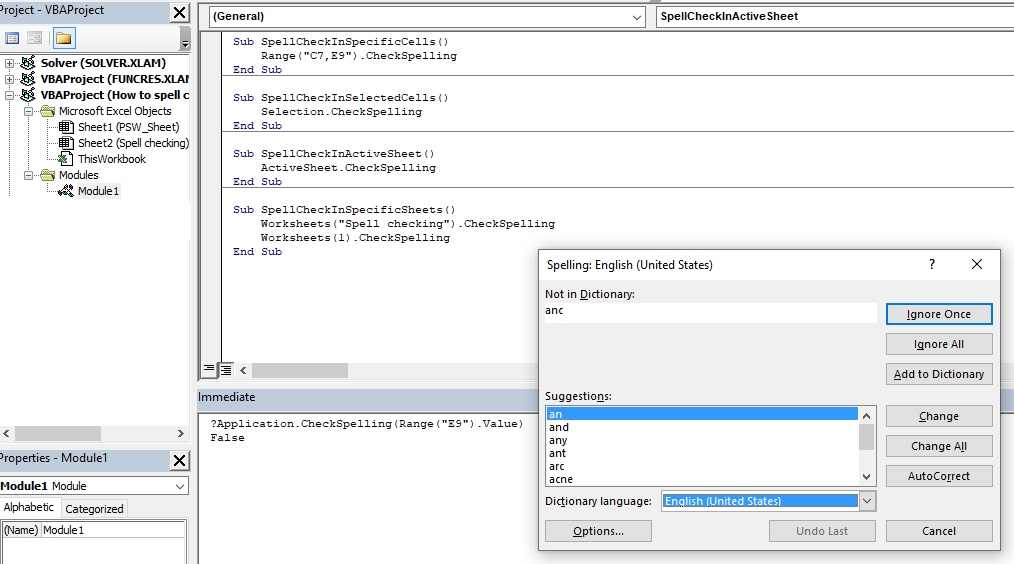
How to spell check using VBA in Excel
Excel's spell check does not run as you type. In this guide, we’re going to show you how to automate spell check using VBA in Excel.
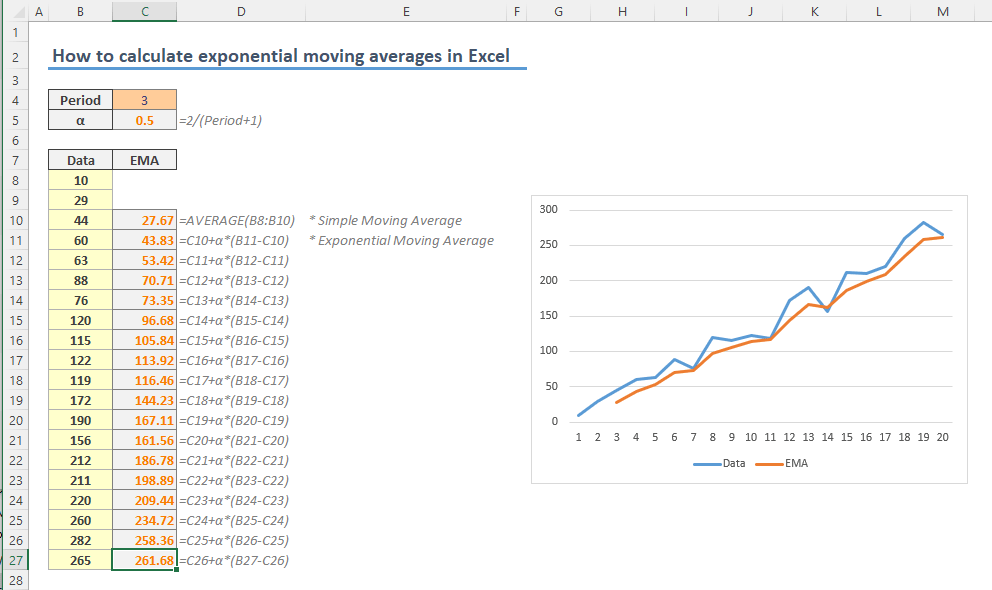
How to calculate exponential moving average in Excel
In this guide, we’re going to show you how to calculate exponential moving average in Excel.

How to calculate weighted moving average in Excel
In this guide, we’re going to show you how to calculate weighted moving average in Excel.
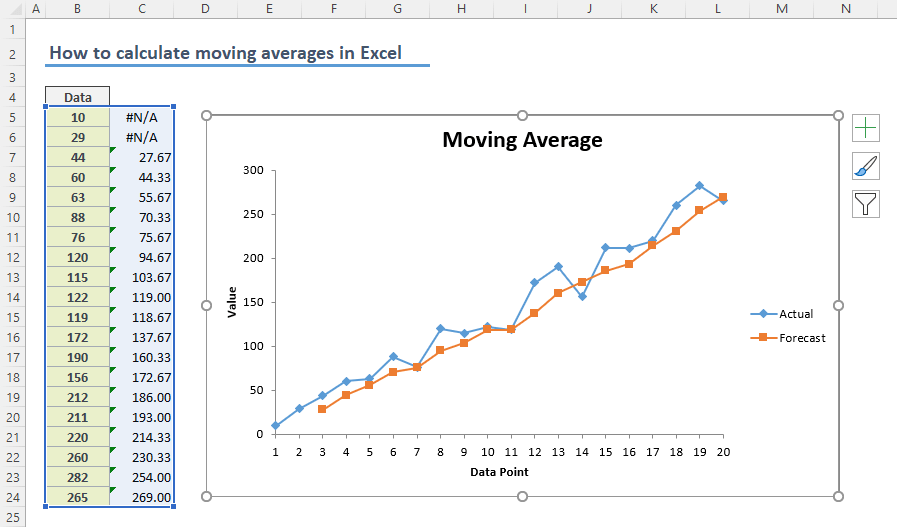
How to calculate simple moving average in Excel
In this guide, we’re going to show you how to calculate simple moving average in Excel in three ways.

How to insert a picture into a note in Excel
In this guide, we’re going to refer legacy comments as Notes and show you how to insert a picture into a note in Excel.
How to create a stream graph in Excel
In this guide, we’re going to show you how to create a stream graph, or streamgraph in Excel.

How to show a message on Status Bar in Excel
Learn how to show a message on Status Bar in Excel. This practical guide covers the formula syntax, setup steps, and how the result is calculated in Excel.