Function: VAR.S

The VAR.S function is a statistical function calculates and returns the variance of a sample. It is also a replacement for the outdated VAR function. The variance provides a general idea of the spread of data, and can be used to calculate the standard deviation or...
How to create and name a worksheet with VBA in Excel

How to create and name a worksheet with VBA in Excel

In this guide, we’re going to show you how to create and name a worksheet with VBA in Excel. Download Workbook Syntax You can create and name a worksheet using the Sheets.Add and Worksheets.Add methods. Both methods work similarly and have 4 optional arguments and...
How to create a Milestone Chart in Excel

How to create a Milestone Chart in Excel

A milestone chart is a visualization tool that can show scheduled events in a specific time. These significant events are called as milestones. Unfortunately, milestone charts are not natively supported by Excel. In this guide, we’re going to show you how to...
Function: STOCKHISTORY

Function: STOCKHISTORY

STOCKHISTORY is a Lookup & Reference function that can retrieve historical data about given financial instrument and spill the results into the workbook. You can populate a stock quote’s daily open, close, volume, high, and low values for the specified periods. In...
Cryptocurrency Comparison Template

Cryptocurrency Comparison Template

Cryptocurrencies have become very popular as an alternative store of value. Cryptocurrencies have different uses and they tend to respond differently to events or demand. Running a cryptocurrency comparison can help you understand the correlation between different...
How to find all combinations of two lists in Excel

How to find all combinations of two lists in Excel

In this guide, we’re going to show you how to find all combinations of two lists in Excel by using Power Query. Download Workbook In our example, we have two lists that contain Pokémon names and we want to see the combinations of matched Pokémon. We can join...
How to compare two tables using Get & Transform Data in Excel

How to compare two tables using Get & Transform Data in Excel

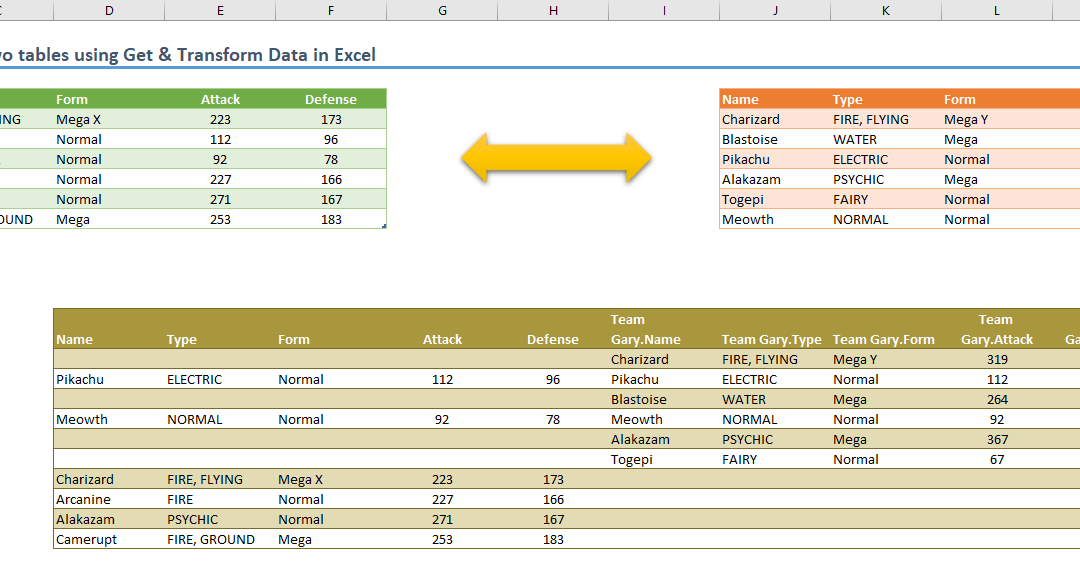
In this guide, we’re going to show you how to compare two tables using Get & Transform Data in Excel. Download Workbook In our example, there are two identical tables with the same column names. Although both tables contain the same data under the Name...

How to create dynamic charts in Excel

In this guide, we're going to show you how to create dynamic charts in Excel using dynamic arrays. Download Workbook Even though Excel doesn’t have built-in support for dynamic charts, there are multiple ways to do this. The traditional methods are using Excel Tables...