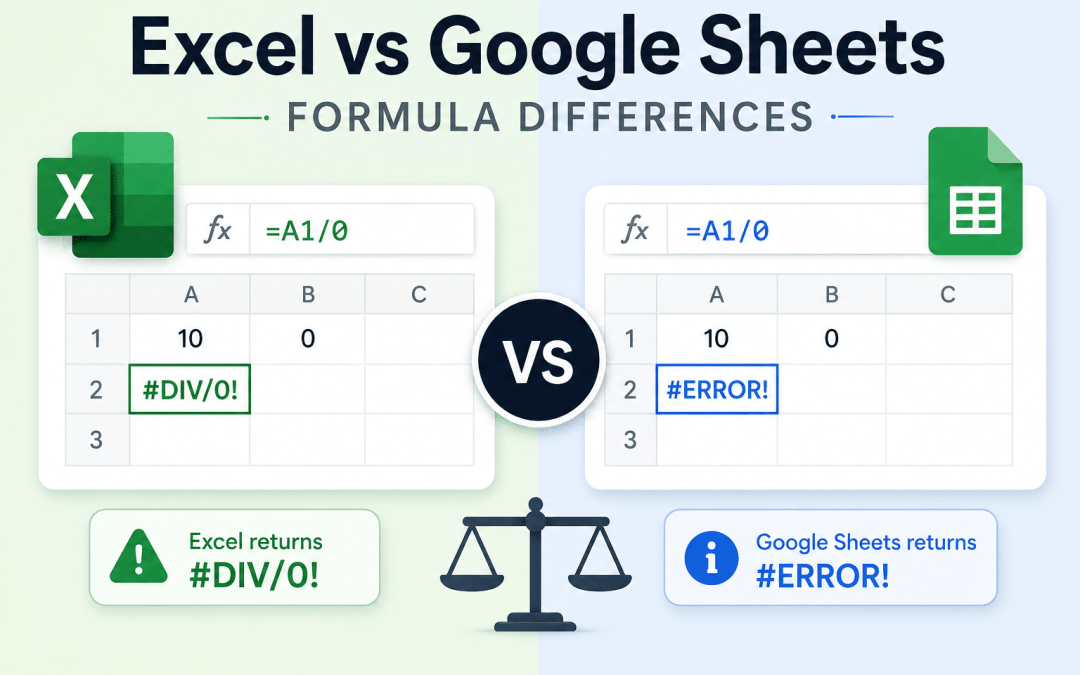
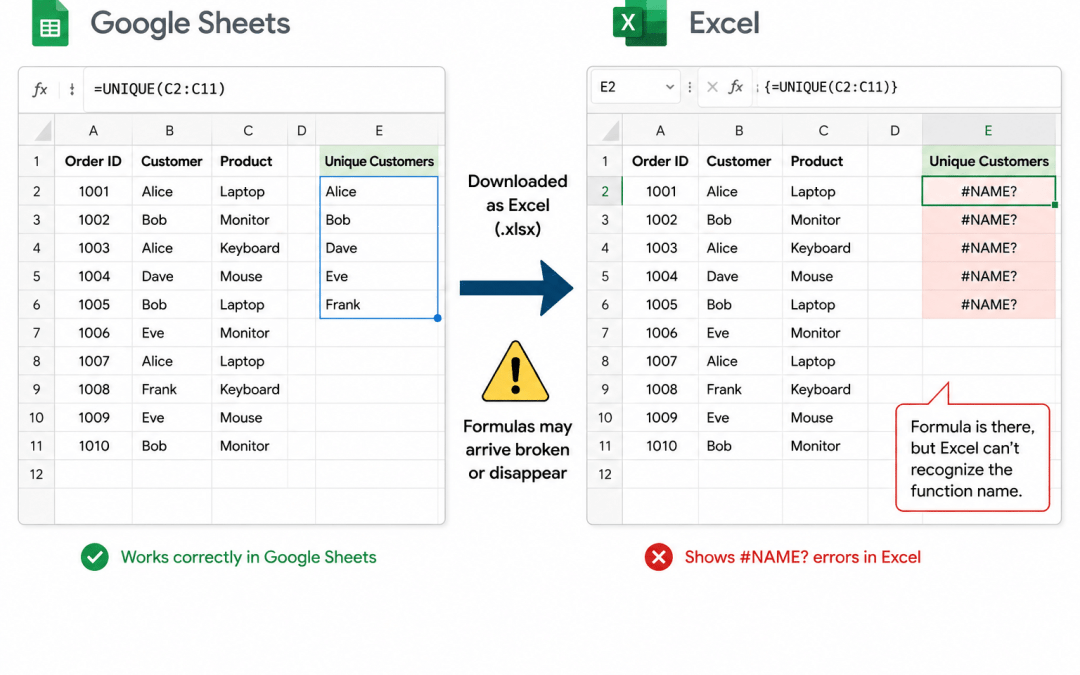
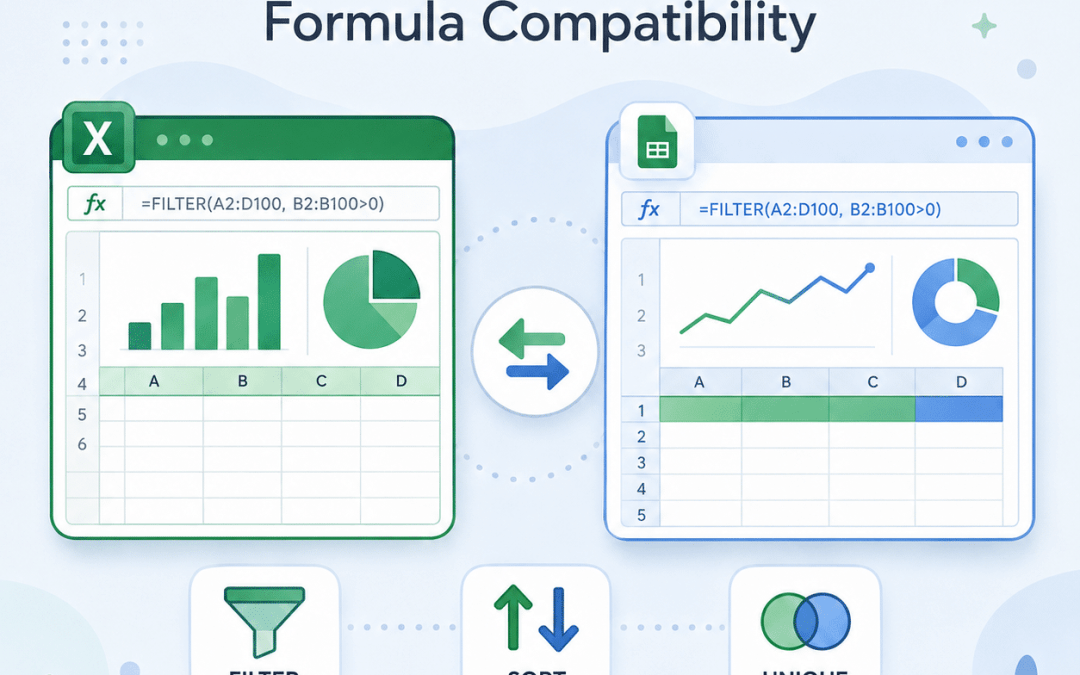
If you have ever opened a Google Sheets file in Excel and been greeted by a wall of #NAME? errors, or watched a formula that worked perfectly in Excel fall apart after an import into Sheets, you already know the problem this guide solves. The two dominant spreadsheet...
Download a Google Sheet as an Excel file, open it, and you may find #NAME? errors where your formulas used to be. The natural assumption is that your version of Excel is too old to recognize the function. Usually it isn't. The cause is something else, and it leads to...
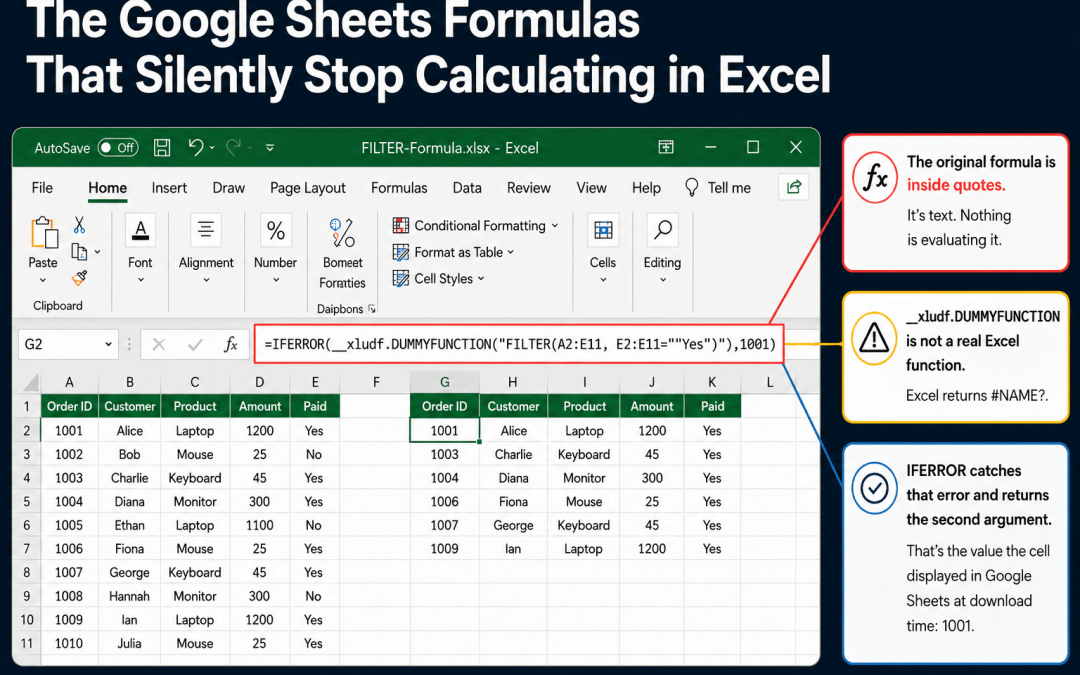
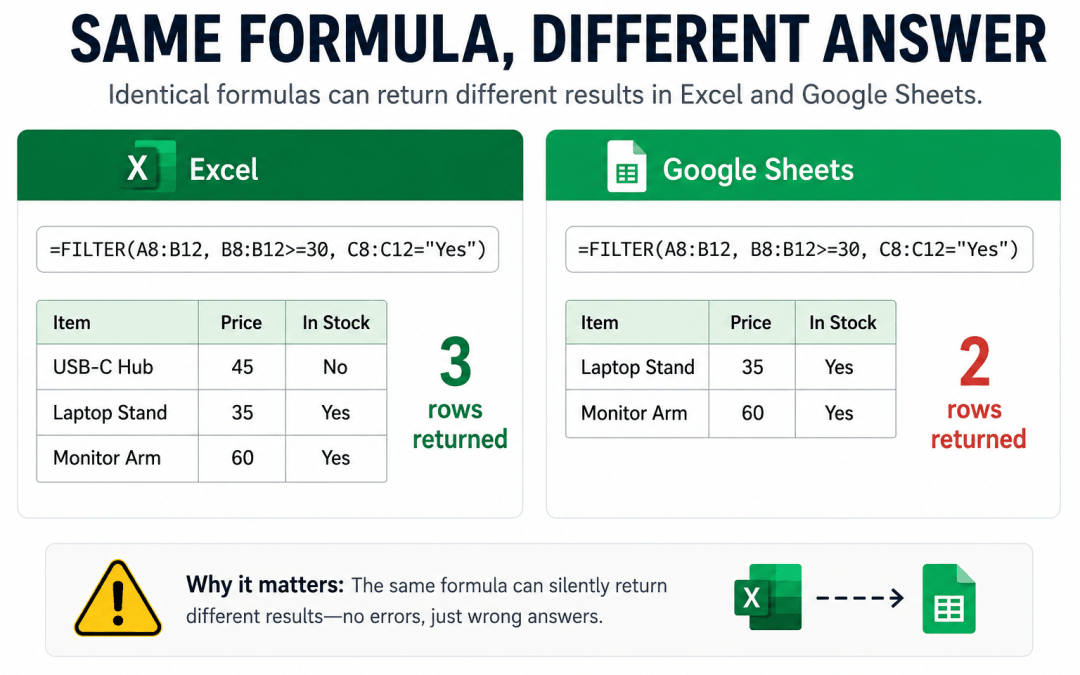
When you download a Google Sheet as an Excel file, some formulas arrive broken and show #NAME?. Those are the lucky ones. You can see them. The dangerous cells show no error at all. They display a perfectly reasonable number. They contain something that looks like a...
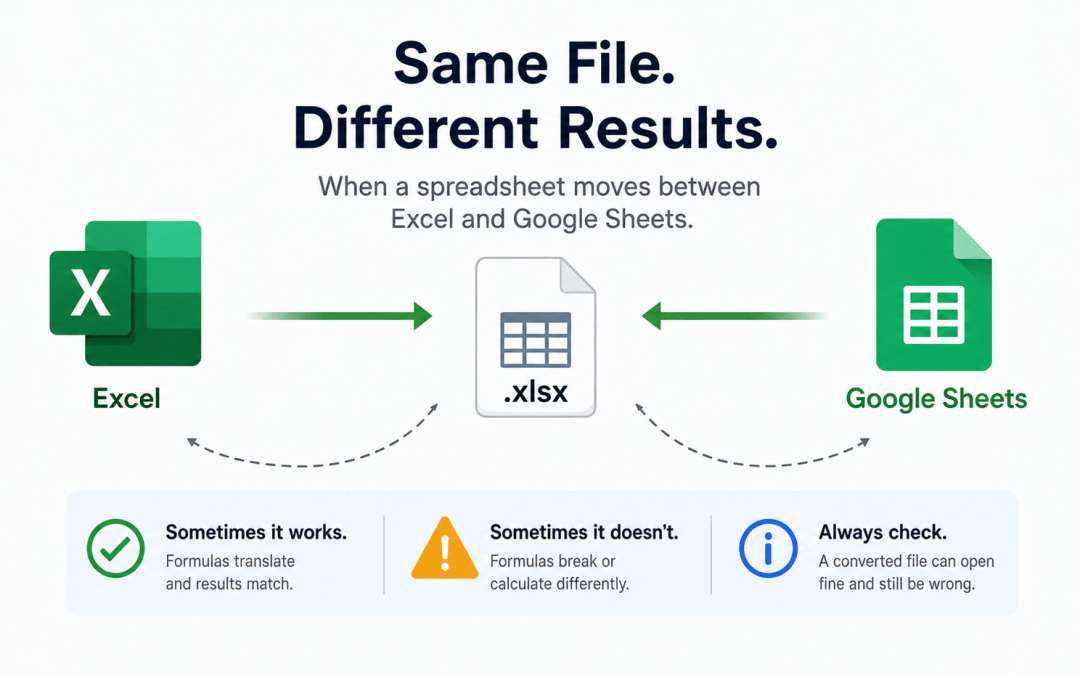
Spreadsheets move between Excel and Google Sheets constantly. A file gets emailed to someone who lives in the other app, downloaded for a client who does not, or shared with a team split between the two. The natural assumption is that the formula travels intact from...
Most differences between Excel and Google Sheets are easy to catch. If a formula does not exist in the other app, you get a loud #NAME? error and you go fix it. The dangerous differences are the quiet ones: a formula that runs cleanly in both apps, throws no error in...
Excel and Google Sheets feel interchangeable. They share hundreds of function names, the same =FUNCTION(arguments) syntax, and the same basic grid. Most of the time a formula written in one works in the other, which is exactly why the exceptions are so easy to miss....
Most teams start their AI journey by letting a chatbot answer questions. The real leap happens when AI can do work—run your pricing model, validate a configuration, evaluate eligibility, or generate an output that used to require a specialist. SpreadsheetWeb...
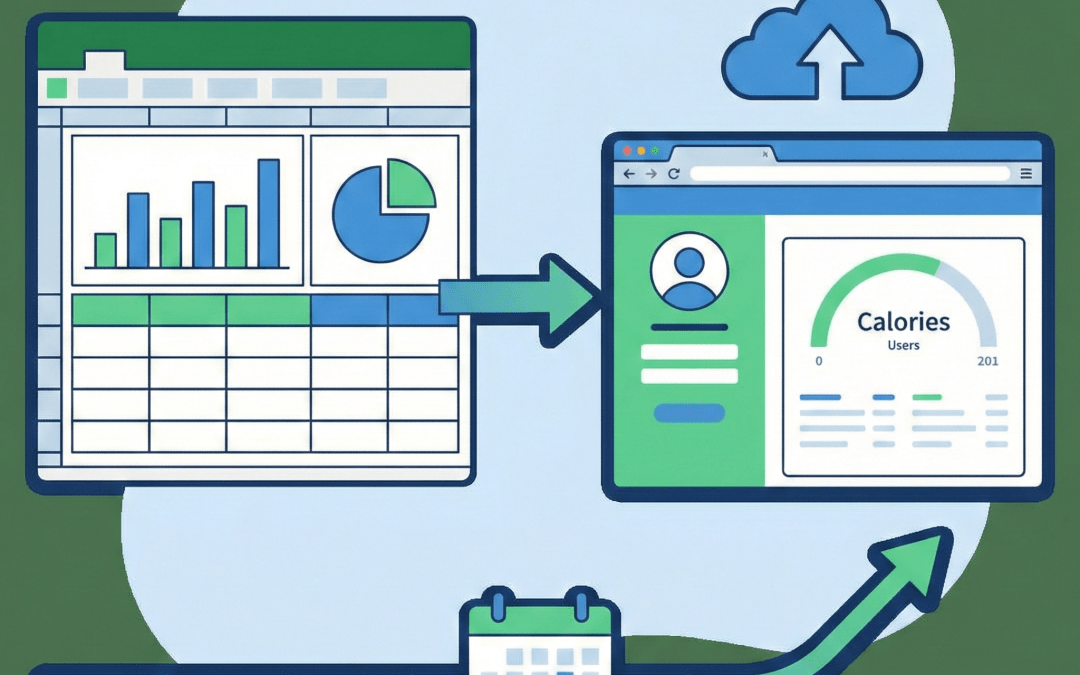
Many Excel-based applications are not transactional in nature, they are stateful, evolving tools where each user works with the same model over time. A daily calorie tracking app is a perfect example: the underlying Excel logic stays the same, but new rows of data are...
Walk into almost any engineering team, civil, mechanical, chemical, electrical, environmental, biomedical, and you’ll find the same quiet “unofficial standard” sitting next to the CAD/CAE tools and code repos: spreadsheets. They’re not glamorous. They’re not always...