
SpreadsheetWeb blog
What's New in SpreadsheetWeb - November 2026
Keep supporting tasks beside your app, create and reuse coordinated themes, and hand over a workspace through a guided transfer.
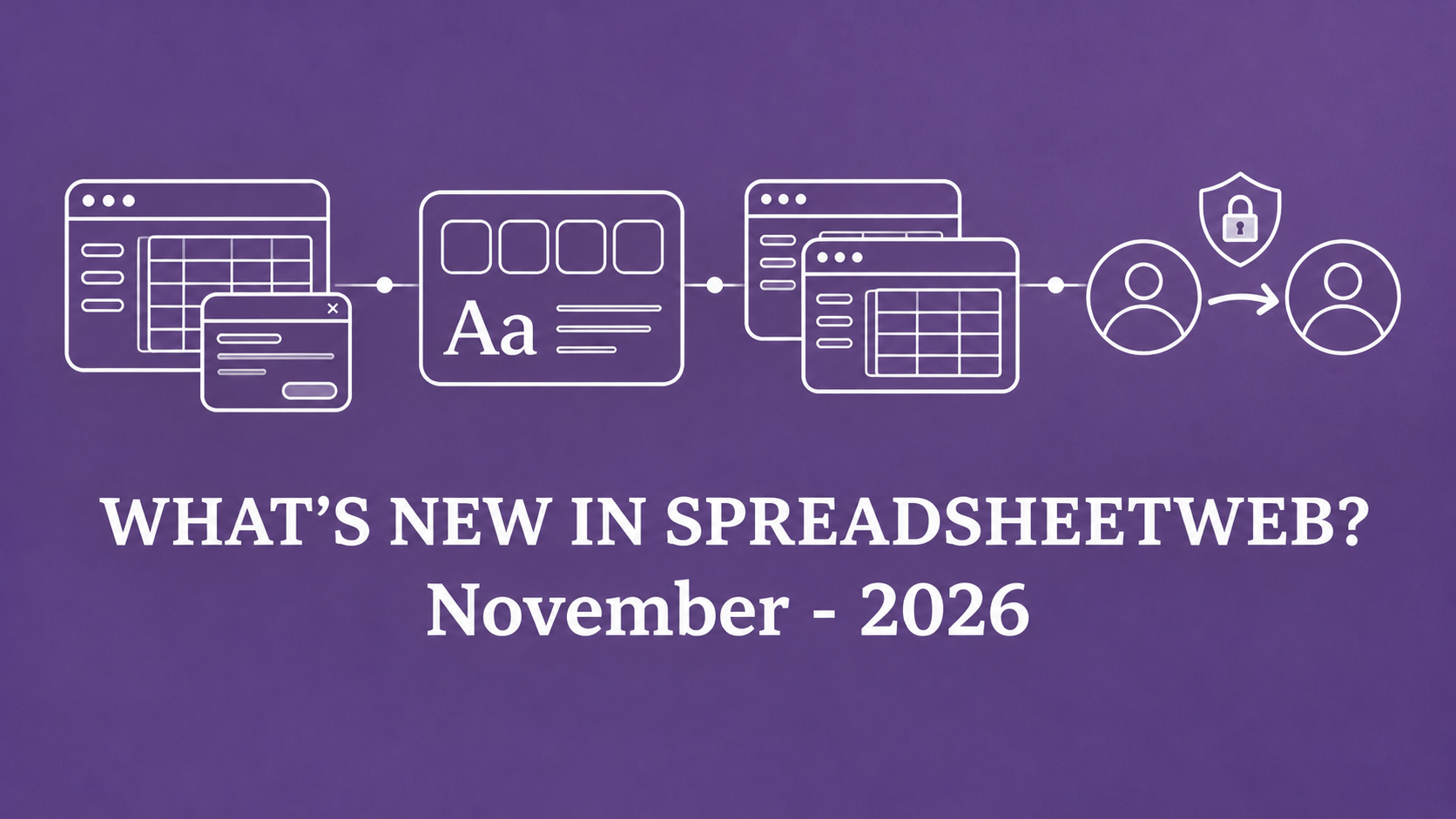
SpreadsheetWeb’s November 2026 release is about keeping the application experience connected. A supporting form can open beside the main page instead of sending users away. A new theme can be created with AI assistance, reviewed, and saved for reuse across a workspace. And when a workspace needs a new owner, a guided transfer helps both people confirm the handover.
Here are the four feature highlights of release 26.11.0.
Keep the Main Page in View With Popup Pages
Some tasks need more room than a tooltip, but do not need to take over an entire application. A user might need to complete a focused form, inspect details, or read help while keeping the page they started from in sight.
Popup pages give those supporting tasks a place of their own. They use the application’s theme and can float over the main page or, where supported, dock beside it. You can choose an appearance and position the popup in the center, at an edge, or full screen. Supported layouts also offer pinning and optional resizing. Close actions and progress controls help the popup fit the journey you are building.
To set one up in Designer, open Layout & Controls, go to Pages, add or edit a page, and choose Popup. Then configure its appearance and popup behavior.
Describe a Look and Make It Yours
A consistent application theme reaches beyond a set of colors. Typography, backgrounds, navigation, loading screens, and transitions all contribute to how an app feels.
Where available, AI theme assistance lets you describe the purpose and feeling of your application, then create a coordinated theme or refine the current AI-generated one. Before generating, you can review the AI service and the context that will be shared. You can preview the result and decide whether to apply it; the suggested design does not have to become your final design.
In Designer, open Layout & Controls, choose Change app theme, and then Generate Theme. Availability depends on your workspace and server configuration.
Reuse a Workspace’s Signature Look
When several applications belong to the same team or customer, rebuilding their appearance settings one app at a time makes consistency harder to maintain. Workspace theme presets let you save a coordinated look and reuse it within the workspace.
Browse saved themes in the workspace library and compare interactive previews of their colors, typography, background, and page styles before choosing one. You can save and reuse presets within your plan’s allowance. This makes a theme a shared starting point while still letting you review how it looks with sample content before applying it to another application.
Open Change app theme and choose Choose a saved theme to browse presets. The option to save the current generated theme appears when available.
Hand Over a Workspace With Confidence
Workspaces sometimes change hands as teams and responsibilities change. The new guided ownership transfer lets the current owner start a handover to another member of the team, with both the current and new owner confirming by email.
For paid workspaces, the new owner receives the steps needed to arrange billing where required, helping protect paid access during the transition. Enterprise and private-server transfers follow their applicable billing rules. The flow makes the decision explicit for both people instead of treating a change of owner as an unnoticed settings edit.
As the workspace owner, open My Workspaces, edit the workspace, and choose Manage ownership. Review the steps before starting the transfer.
Explore the Full Release
These are the four major features in version 26.11.0. For the smaller improvements and fixes, read the November build notes.
If you would like help trying these capabilities in your own applications, contact our team.