Adding or Removing Data Columns in the Data Page

Adding or Removing Data Columns in the Data Page

Note that this feature is currently only available in designer applications.Data captured with SpreadsheetWEB applications can be easily accessed from the Data page in the Control Panel. This centralized data capture system allows interacting with application data on...
How to Add Dynamic Images in Designer Applications

How to Add Dynamic Images in Designer Applications

The versatile content fields of designer applications can host rich text, anything you can do with HTML tags, and even dynamic images through the use of external URLs. Using dynamic images can substantially enhance the look-and-feel of your applications, and give your...
Creating Dynamic Lists in Designer Applications

Creating Dynamic Lists in Designer Applications

Imagine a scenario where you want your users need to select from a list of thousands of products. The easiest way to handle this type of a list would be to let the users first select from a broader category, like the brand, then narrow the results down by letting them...
Control Panel Language Tutorial

Control Panel Language Tutorial

Note: This feature is only available for server and private cloud licenses.The SpreadsheetWEB Control Panel comes with English language support and Pagos branding. However, you can edit the language files on your server installation to customize the text fields...
5 Ways to Make your Designer Applications Look More Refined

5 Ways to Make your Designer Applications Look More Refined

Applications created in Excel rarely look good because Excel was actually never intended to be an UI design platform. The real power of Excel is its ability to allow business users to build powerful business applications and tools. In this tutorial, we will look at...
Databases in Designer Applications

Databases in Designer Applications

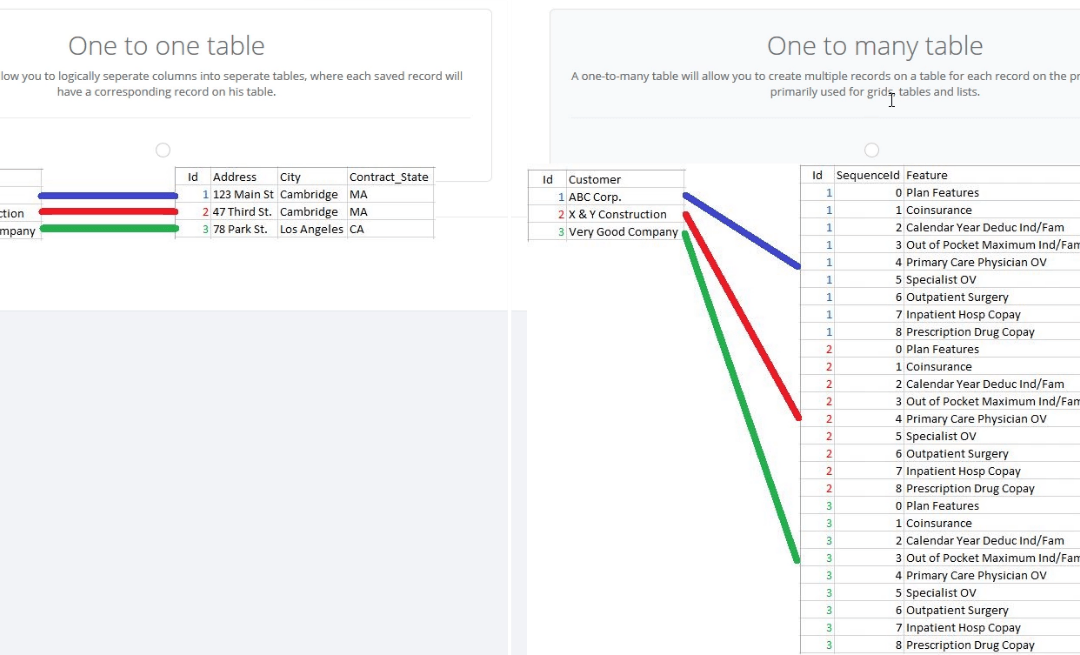
Saving data is crucial for web applications where you need to capture user information. Subsequently, the way you structure database tables can save you the headache when it’s time to analyze the data collected. In SpreadsheetWEB, designer applications can store input...
Email Notifications in Designer Applications

Email Notifications in Designer Applications

SpreadsheetWEB allows setting up email triggers in designer applications, which can be very useful in notifying users when certain events occur. Email notifications must be tied to an Action button, and when the button is pressed, the email process will run and send...
Custom Notifications in Designer Applications

Custom Notifications in Designer Applications

Custom Notifications feature allows setting up application data queries, which will trigger automated email notifications when the predetermined conditions are met. This feature is especially useful for tracking system entries and notifying users based on a set of...