
SpreadsheetWeb blog
Practical thinking for spreadsheet-powered teams
Deep guides on Excel, Google Sheets, web applications, product workflows, and the quiet technical traps worth knowing about.
Page 26 of 55 · 1319 articles
How to open workbook in VBA
In this guide, we’re going to show you how to open workbook in VBA and example usage scenario.

How to insert specific number of columns in Excel
In this guide, we’re going to show you how to insert specific number of columns in Excel dynamically with VBA.

How to insert specific number of rows in Excel
In this guide, we’re going to show you how to insert specific number of rows in Excel dynamically with VBA.
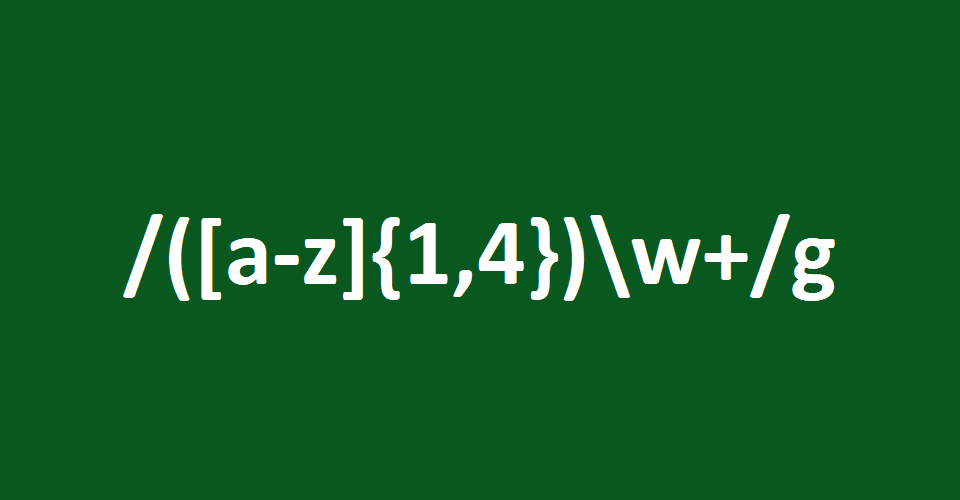
How to use regular expressions in Excel
In this guide, we’re going to show you how to use regular expressions in Excel with example VBA codes and scenarios.
What's New in 6.23: Auto-save
With this update, we took another step in streamlining the application process, and added an auto-save feature into the Designer.

How to use Advanced Filters in Excel
In this guide, we’re going to show you how to use Advanced Filters in Excel, one of the most underrated features.
SpreadsheetWeb 6.23 Features Improvements for the Designer
This version brings several improvements to the no-code approach for developing web applications from Excel spreadsheets.

How to calculate discrete probability in Excel
In this guide, we’re going to show you how to calculate discrete probability in Excel with the PROB function.

Function: PROB
In this guide, we’re going to show you how to use the PROB function and also go over some tips and error handling methods.

How to add error bars in Excel
rror bars are graphical representations of data variability. In this guide, we’re going to show you how to add error bars in Excel.

How to alternate row color based on group in Excel
In this guide, we’re going to show you how to alternate row color based on group in Excel bu using conditional formatting.

How to calculate variance in Excel
Variance is an important metric in statistics In this guide, we’re going to show you how to calculate variance in Excel.

Function: VARA
In this guide, we’re going to show you how to use the VARA function and also go over some tips and error handling methods.

Function: VARP
In this guide, we’re going to show you how to use the VARP function and also go over some tips and error handling methods.

Function: VAR.P
In this guide, we’re going to show you how to use the VAR.P function and also go over some tips and error handling methods.
Function: VAR.S
In this guide, we’re going to show you how to use the VAR.S function and also go over some tips and error handling methods.

How to create and name a worksheet with VBA in Excel
Learn how to create and name a worksheet with VBA in Excel. This practical guide covers the VBA approach, implementation steps, and expected behavior in Excel.

How to generate a normally distributed set of random numbers in Excel
In this guide, we're going to show you how to generate a normally distributed set of random numbers in Excel.

How to create a Milestone Chart in Excel
In this guide, we're going to show how to create a milestone chart in Excel. Milestone Charts show significant events during a time period.
Dynamic Document Generation with eSignature Capabilities
A focused overview of dynamic Document Generation with eSignature Capabilities, explaining the main ideas, practical considerations, and relevant examples.

Function: STOCKHISTORY
In this guide, we’re going to show you how to use the STOCKHISTORY function and also go over some tips and error handling methods.

Cryptocurrency Comparison Template
Cryptocurrency comparison can help you understand the correlation between different cryptocurrencies and hedge your portfolio accordingly.

Stock Quote Comparison Template
This is a stock quote template in Excel that can help you run stock quote comparison for up to 10 securities and cryptocurrencies.

How to find all combinations of two lists in Excel
Learn how to find all combinations of two lists in Excel. This practical guide covers the formula syntax, setup steps, and how the result is calculated in Excel.