Function: UPPER

Function: UPPER

The UPPER function converts a text into uppercase. In this guide, we’re going to show you how to use this function and cover some tips and error handling methods.Supported versionsAll Excel versionsSyntax UPPER(text)ArgumentstextThe text you want converted to...
How to delete named range Excel using VBA

How to delete named range Excel using VBA

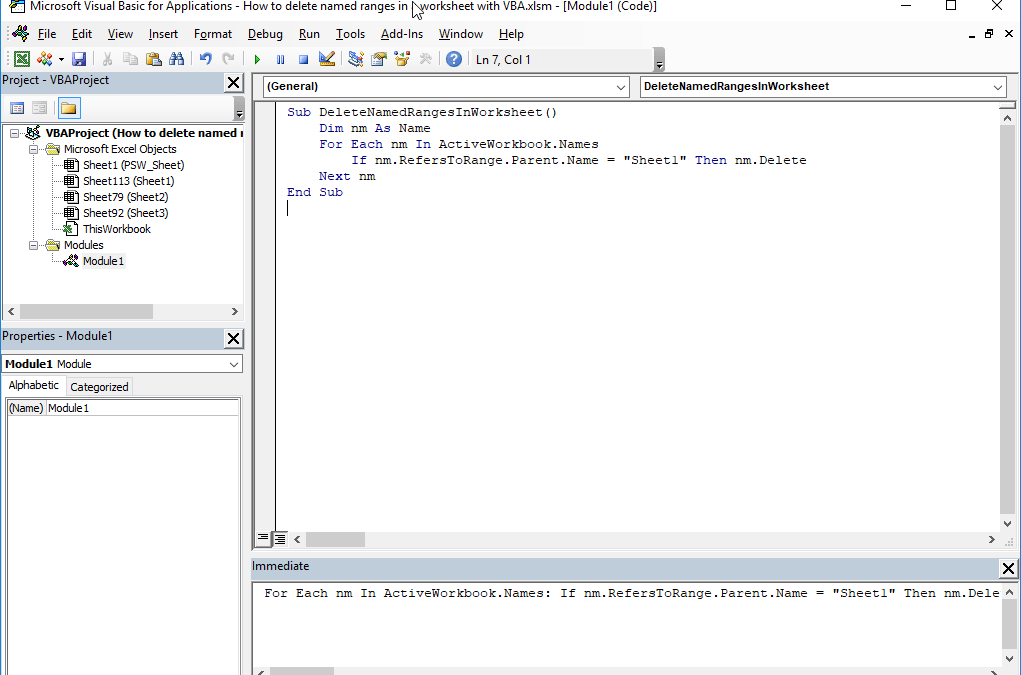
Managing and removing named ranges in Excel can be a challenging task as you would have to do this one by one for each field. We’re going to show you how to delete named range Excel using VBA with one click.How to delete named range ExcelEach named range is an...
How to allow Excel uppercase characters only

How to allow Excel uppercase characters only

It’s often a good idea to use Data Validation feature to limit user errors and streamline data entry process. In addition to built-in rules, like size of a number or length of a text, you can define your own rules in a Custom fashion. Let us show you how to allow...
How to prevent Save As with VBA

How to prevent Save As with VBA

This article shows you How to prevent Save As with VBA.You can control your workbook’s events like opening, closing or saving by VBA. Events for Excel’s native objects are built in and ready to use. To prevent Save As event, the address is Workbook...
Function: IF

Function: IF

The IF function performs a logical test (specified from its first argument), and returns either one of its second or third argument depending on the result of the test. If the test returns TRUE, the result will be the second argument, otherwise it will be the third....
How to create an Excel histogram

How to create an Excel histogram

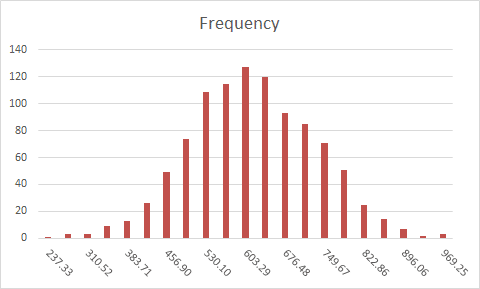
A histogram is a visual representation of the distribution of numerical data. Grouping data into specific percentiles can give you a better overview of the big picture. You can create an Excel histogram in two ways:Using formulasAnalysis ToolPak add-in Excel Histogram...
How to find in Excel if cell is blank using VBA

How to find in Excel if cell is blank using VBA

Be it for troubleshooting formula errors or data integrity, you might find yourself trying to identify those cells going through the entire workbook. In this article we’re going to show to find in Excel if cell is blank using VBA and automate this process....
How to line up decimals in Excel using Number Formatting

How to line up decimals in Excel using Number Formatting

Lining up the decimal places is the desired structure for some applications, especially in a finance context. With this, you can make the decimal portion of numbers start from the same place, regardless of how many digits the consist of. You can do this using...
How to make Excel capitalize first letter using VBA

How to make Excel capitalize first letter using VBA

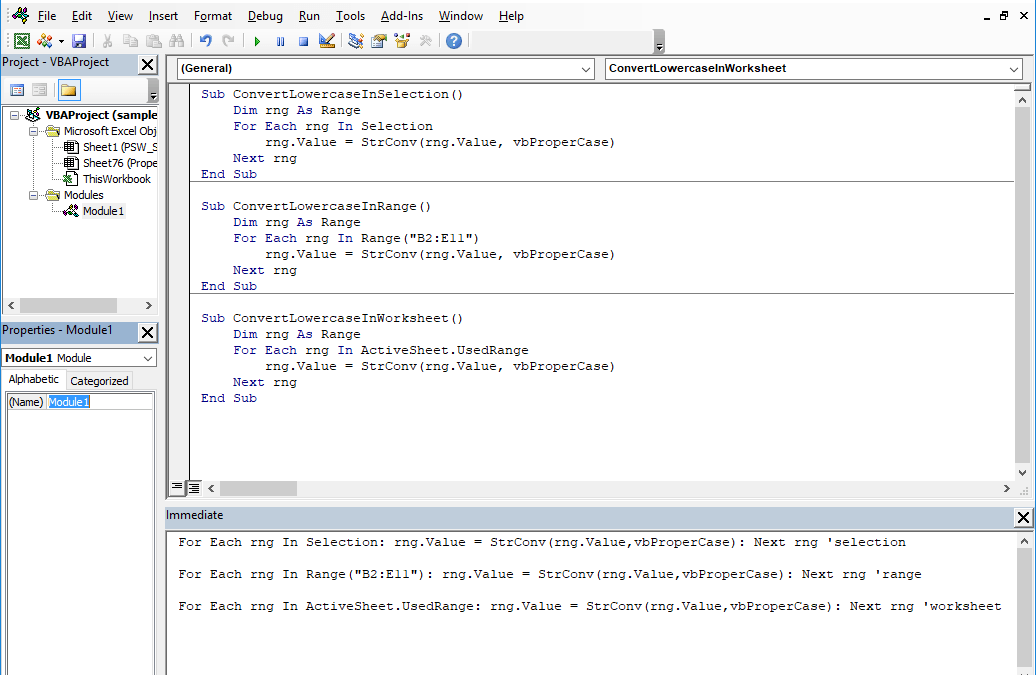
More often than not, to save time or for the sake of laziness, people enter data in all lowercase or all uppercase. Transforming this type of data into the proper format can be a serious headache. Let us show you how to make Excel capitalize first letter using VBA to...