Function: TODAY

Function: TODAY

The TODAY function returns the serial number of the current date without the time information. The return value gets updated with every recalculation. In this guide, we’re going to show you how to use the TODAY function and also throw in some tips and error handling...
How to add a custom button to Excel Ribbon

How to add a custom button to Excel Ribbon

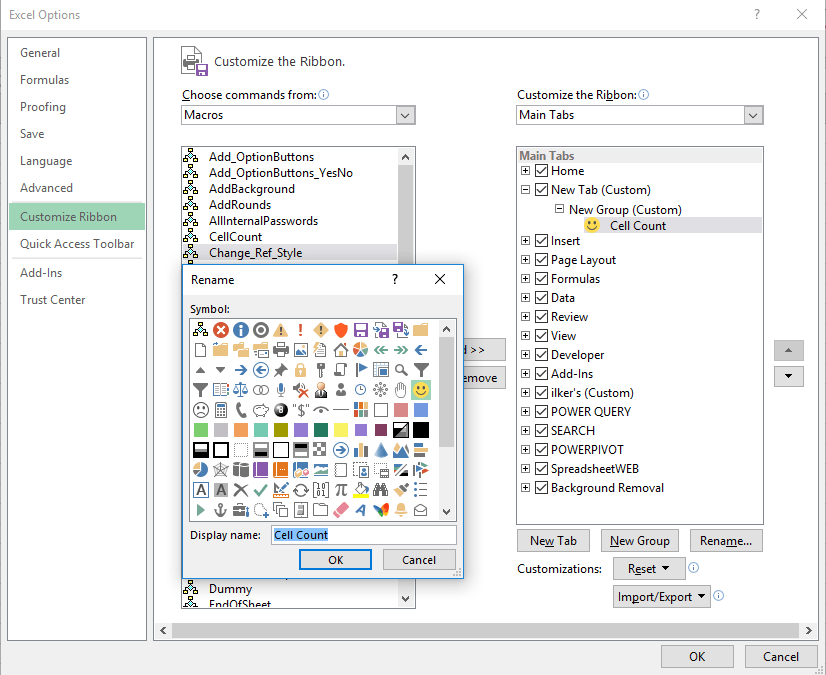
Ability to add a custom button helps you quick access to your macros or favorite actions directly from the Ribbon. The Ribbon was introduced in 2007 and made customizable with Excel 2010. So you can use this trick in all versions starting with 2010. This article shows...
Function: N

Function: N

The N function is an information function that returns a value converted to a number. In this guide, we’re going to show you how to use the N function and also throw in some tips and error handling methods. Supported versions All versions Syntax N(value) Arguments...
Function: OR

Function: OR

The Excel OR function is a comparison function that returns TRUE if at least one of the specified conditions is TRUE. If no condition is met (FALSE), the return value is FALSE. In this guide, we’re going to show you how to use the Excel OR function and also go over...
Function: AND

Function: AND

Excel AND function is a logic comparison function that returns TRUE, if all specified conditions are met, and FALSE, if they're not. It In this guide, we’re going to show you how to use Excel AND function and also go over some tips and error handling methods....
How to show named ranges that were made hidden using VBA

How to show named ranges that were made hidden using VBA

Hidden named ranges can be tricky to find and work with. This article will guide you through how you can show named ranges that were hidden using VBA.How to show named ranges that were hiddenNamed ranges are objects in a workbook’s Names collection and they have...
Function: AVERAGEIF

Function: AVERAGEIF

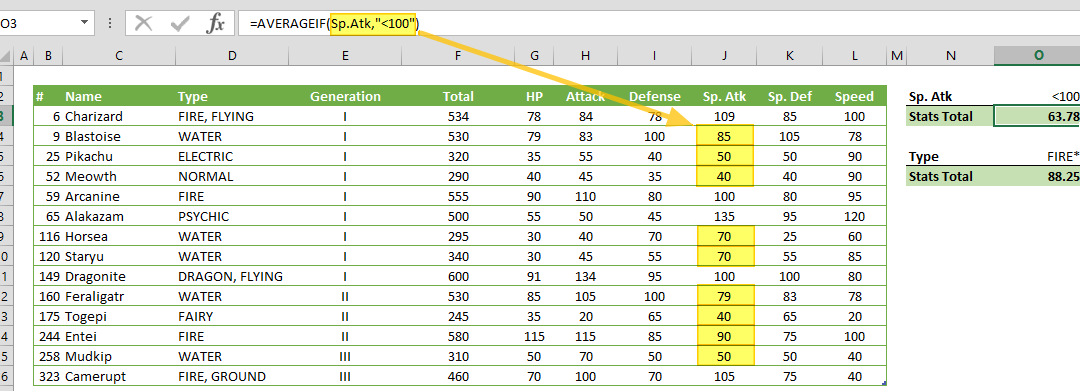
AVERAGEIF function takes the average of the values in a range of cells that match a criteria. In this guide, we’re going to show you how to use the AVERAGEIF function and also go over some tips and error handling methods. Supported versions All Excel versions Syntax...
Function: COUNTIF

Function: COUNTIF

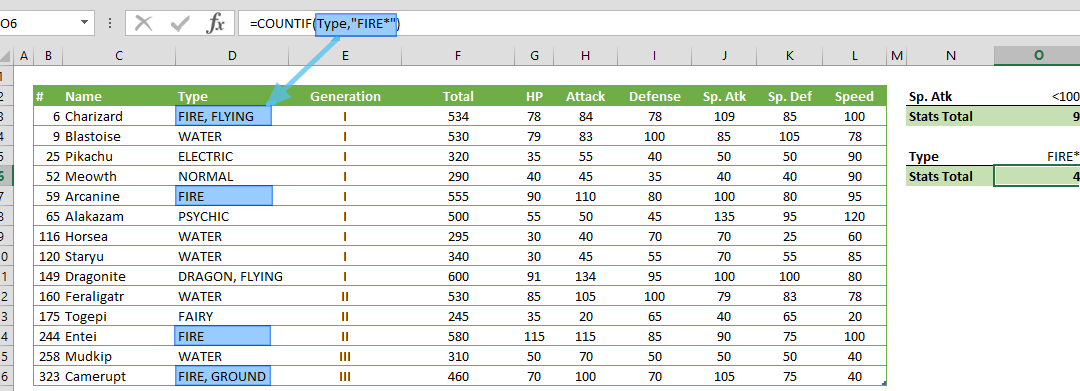
COUNTIF counts the values in a range of cells that match a given criteria. In this guide, we’re going to show you how to use the COUNTIF function and also go over some tips and error handling methods. Supported versions All Excel versions Syntax COUNTIF(range,...
How to insert a degree symbol in Excel

How to insert a degree symbol in Excel

The degree symbol (°) typically indicates temperature measurement, the magnitude of angles in geometry, and diminished chords in music. However, standard keyboards don’t have a button for this useful symbol. In this article, we’re going to show you 4...